Classroom sound is the set of microphones, speakers, and processing that carries the teacher’s voice with the same clarity to the front row and the back row, and to students connected remotely. In a classroom the problem is almost never volume: it’s that the voice is hard to understand because of the room’s echo and background noise.
This guide focuses on the room’s audio. The rest of the classroom, with the board, camera, and control, is covered in our interactive classrooms and smart boards for education solution.
Why classrooms sound bad
Classrooms tend to have hard walls, large windows, and ceilings that reflect sound. That reverberation blurs words together, and turning up the volume makes it worse: it sounds louder but is harder to understand.
Add to that the noise from hallways and ventilation, plus distance: an unamplified teacher’s voice loses clarity before it reaches the back rows. In a hybrid class the effect multiplies, because the laptop’s microphone picks up the room’s echo instead of the voice.
Key idea
A good classroom sound system isn’t measured by the speakers’ wattage, but by how well the voice is understood at every seat.
Components of a classroom sound system
Lavalier Microphone
For the teacher who moves around and uses their hands. The voice comes through steadily to the room and the remote session without holding anything.
Handheld Microphone
For talks, panels, or guests who speak at specific moments. It’s the easiest to pass between people.
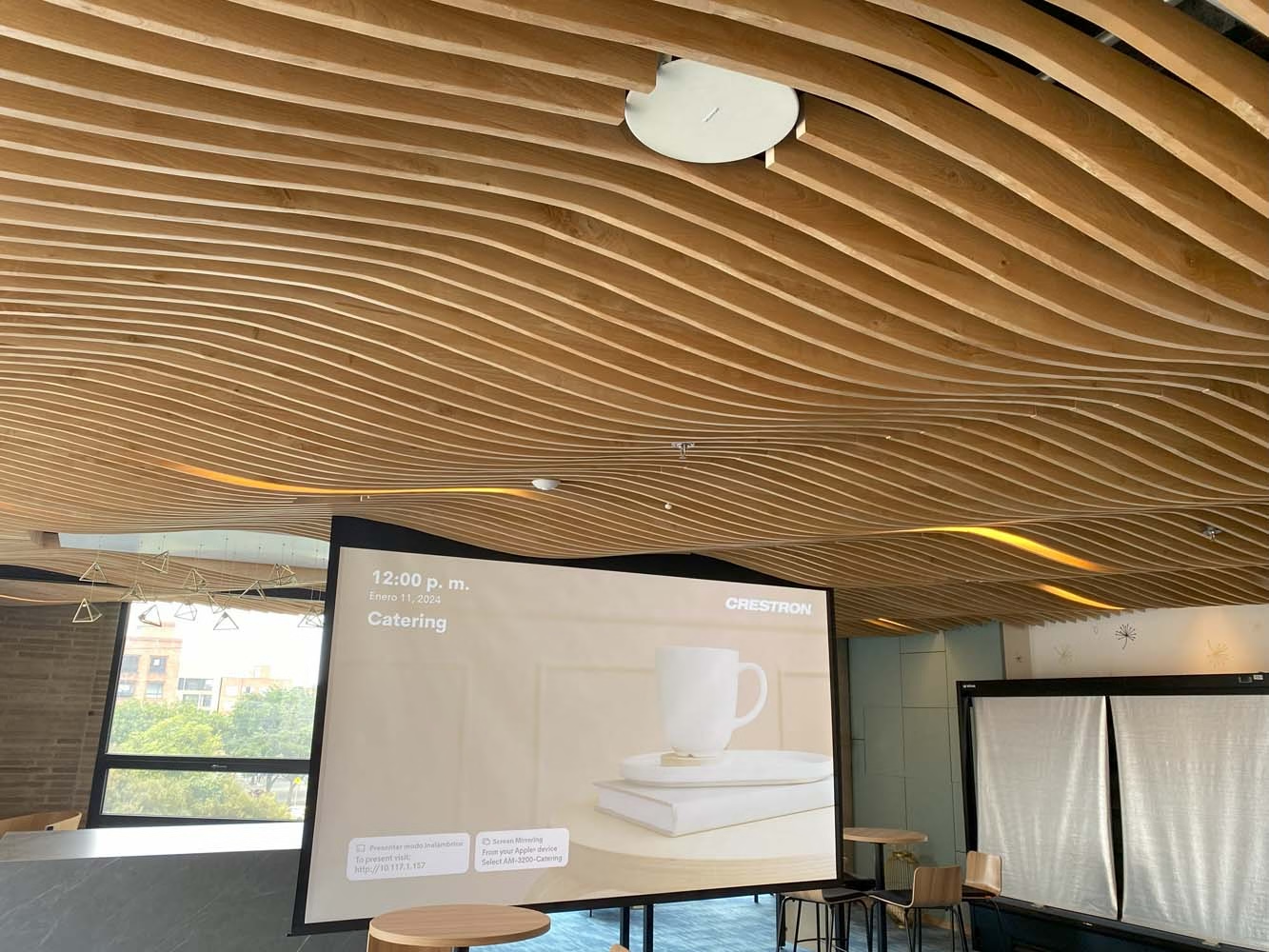
Ceiling Speakers
Several speakers at lower volume spread across the ceiling. The voice sounds at the same level in the front row and the back row.
Wall Speakers
The alternative when the ceiling doesn’t allow flush mounting. They’re spread along the room, not just at the front.
Three pieces you don’t see complete the system, but they decide whether the voice is understood:
Capturing Students
Ceiling or table microphones so questions from the room are heard in the recording and the remote session, without passing a handheld microphone around.
Audio Processing
A processor that equalizes, controls feedback, and cancels echo in hybrid classes. It’s what separates an installed system from a tuned one.
Control
Audio turns on with the rest of the room from a single button. We program the channels’ startup and shutdown to prevent mishandling and extend the equipment’s life.
Sound in the hybrid classroom
When students are connected remotely, audio has two audiences: the room and the remote session. The teacher’s microphone and the capture microphones feed the video call, and the processor keeps remote participants’ voices from coming back through the speakers as echo.
That’s why sound is designed together with the camera and the board, not as a separate system. The what an interactive classroom is guide explains how those pieces come together, and the smart whiteboards guide covers when a panel microphone is enough.
From the classroom to the auditorium and the campus
A university auditorium needs a different design: more distance, more capacity, and sometimes reinforcement for events. That solution is covered in corporate and university auditoriums. For hallways, common areas, and general paging across campus, the solution is background music and paging.
Have you already identified audio problems in your classrooms?
How we design and install classroom sound
- Room measurementDimensions, materials, capacity, background noise, and existing equipment that can be reused.
- DesignType and placement of microphones and speakers, and the processing each type of room needs.
- InstallationMounted during breaks or hours with no class, coordinated with the academic calendar.
- On-site tuningEqualization and levels measured in the room, seat by seat, with the system running.
- Training and maintenanceTeachers learn to use the system, and we schedule preventive maintenance.
The system integrates with the equipment the classroom already has, such as the computer, the board, and the projector, and doesn’t depend on a single brand. We’ve integrated audiovisual spaces for educational institutions since 2006; the sector’s outlook is covered in education sector.
Frequently Asked Questions About Classroom Sound
How many speakers does a classroom need?
It depends on the size, ceiling height, and materials. The rule is to spread several speakers at lower volume so the level stays even, and it’s defined during the room measurement.
Is a microphone necessary in a small classroom?
If the class is only in person and the room is small, sometimes not. If there are remote students, recording, or teachers who lecture for several hours straight, yes.
Does the same system work for hybrid classes?
Yes, if it’s designed for that from the start: the microphones feed the video call and the processor cancels the remote session’s echo.
Can it integrate with the board and projector we already have?
Yes. The audio connects with the existing equipment and turns on with it from the same control.
Let’s Improve Your Classrooms’ Sound
The first conversation is a technical consultation: we review the classrooms, how the class is taught, and what equipment can be reused. From there we prepare a proposal by classroom type, with the audio design and schedule.
Bogotá and Medellín · +57 301 656 9858