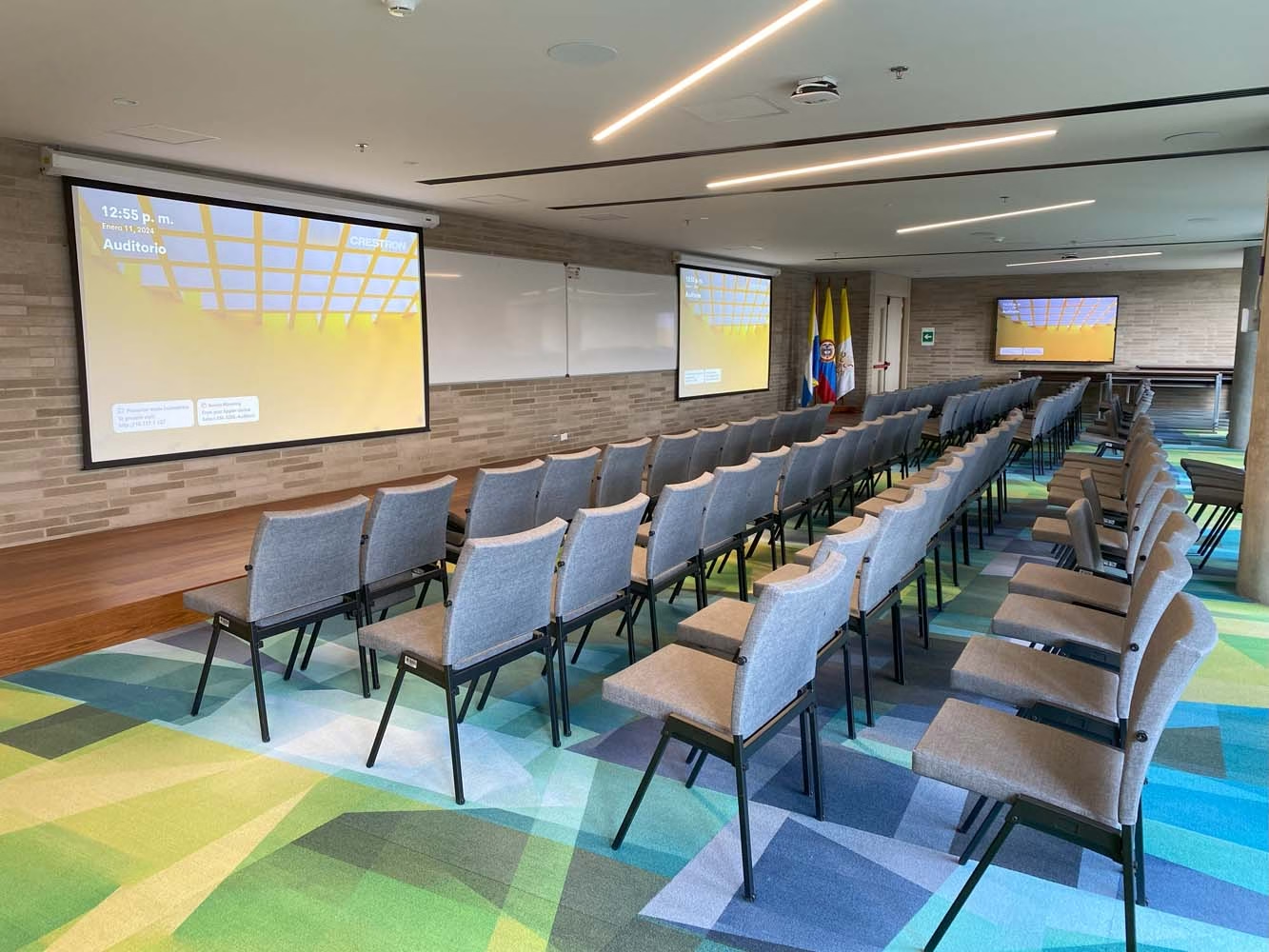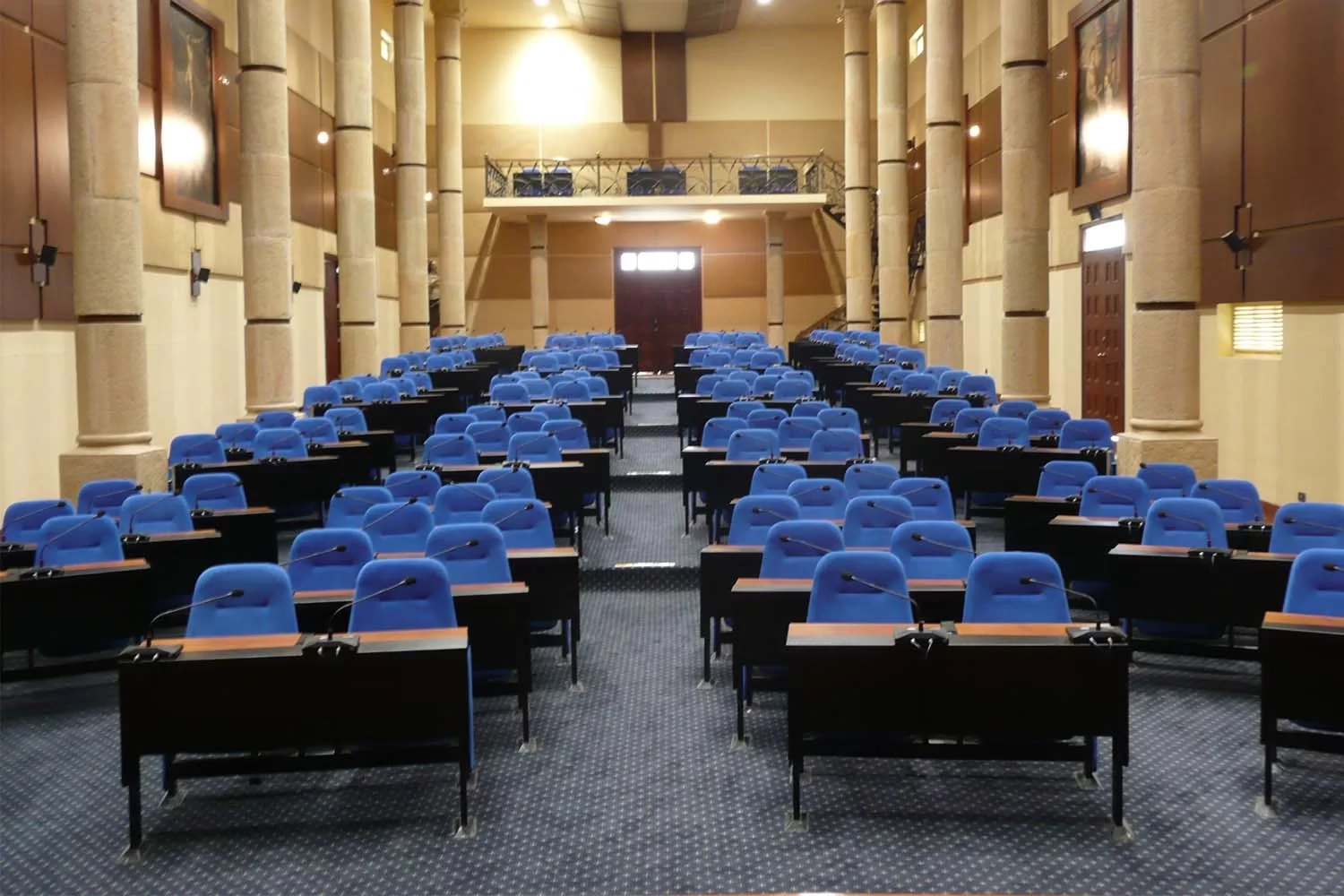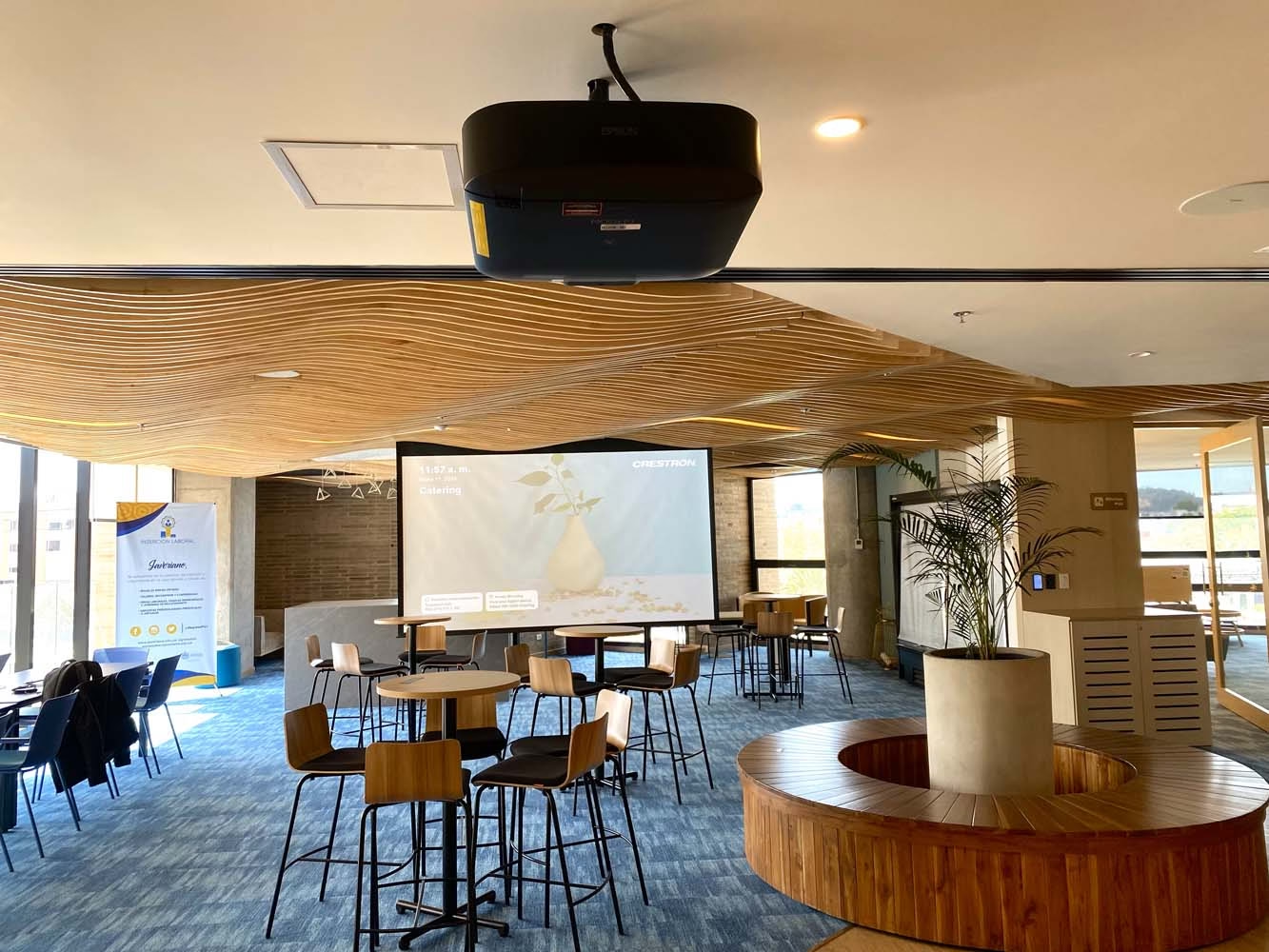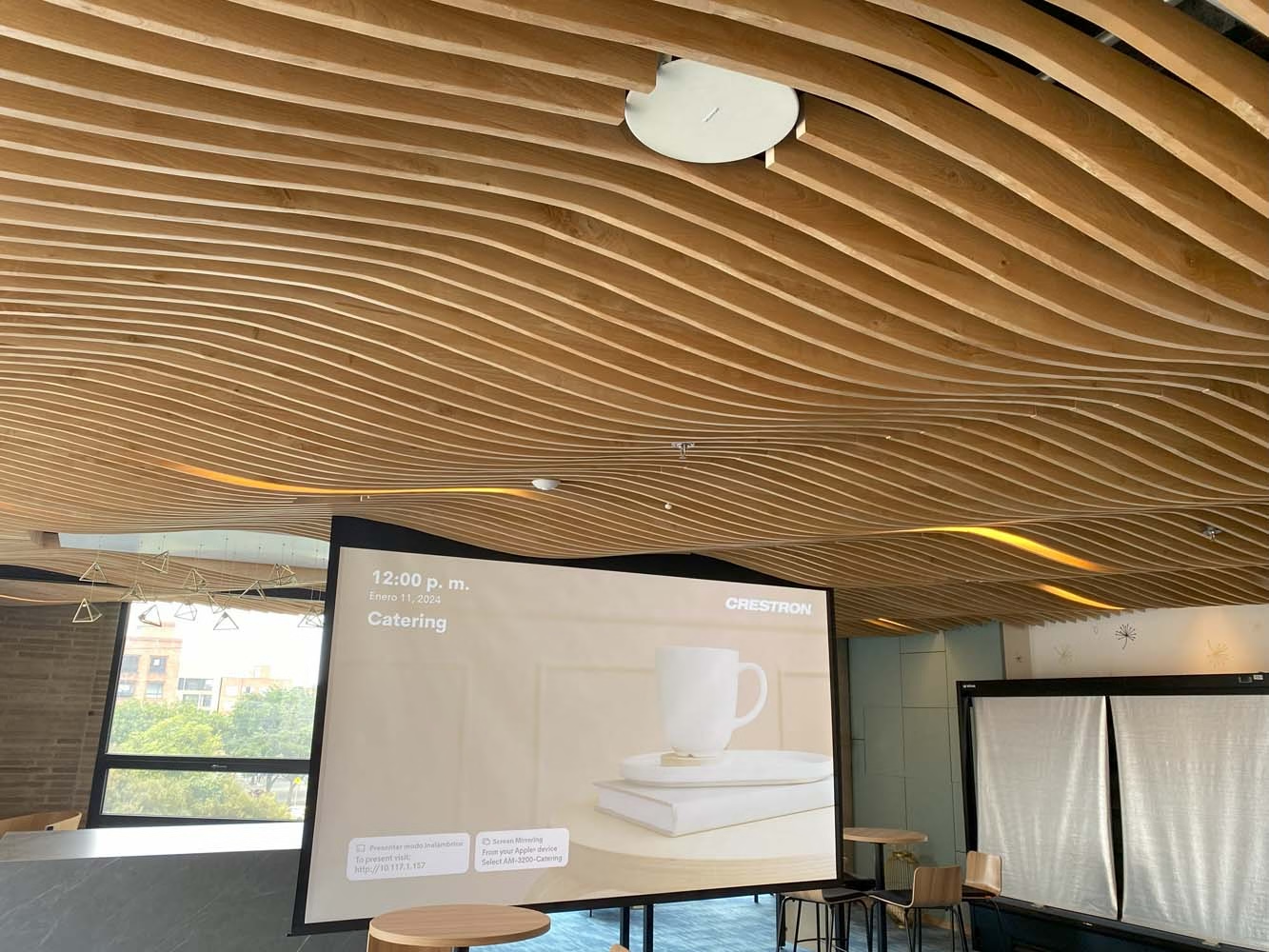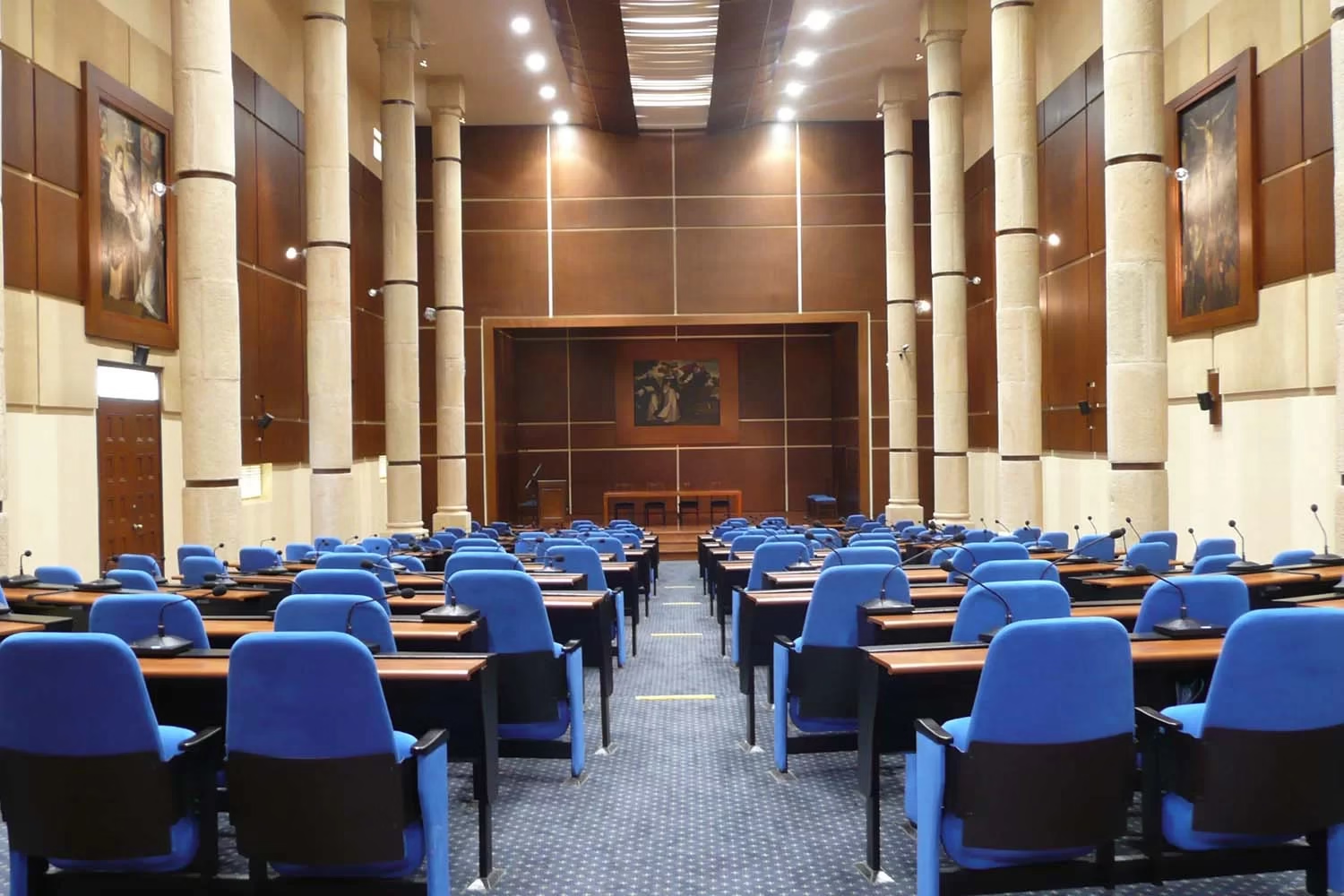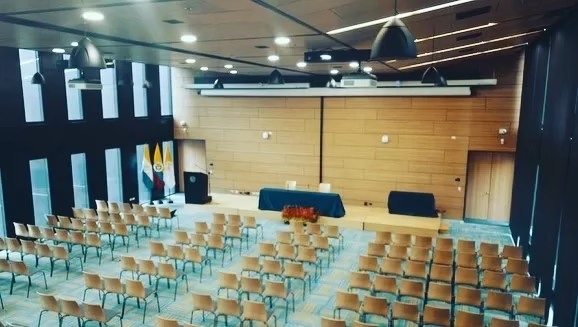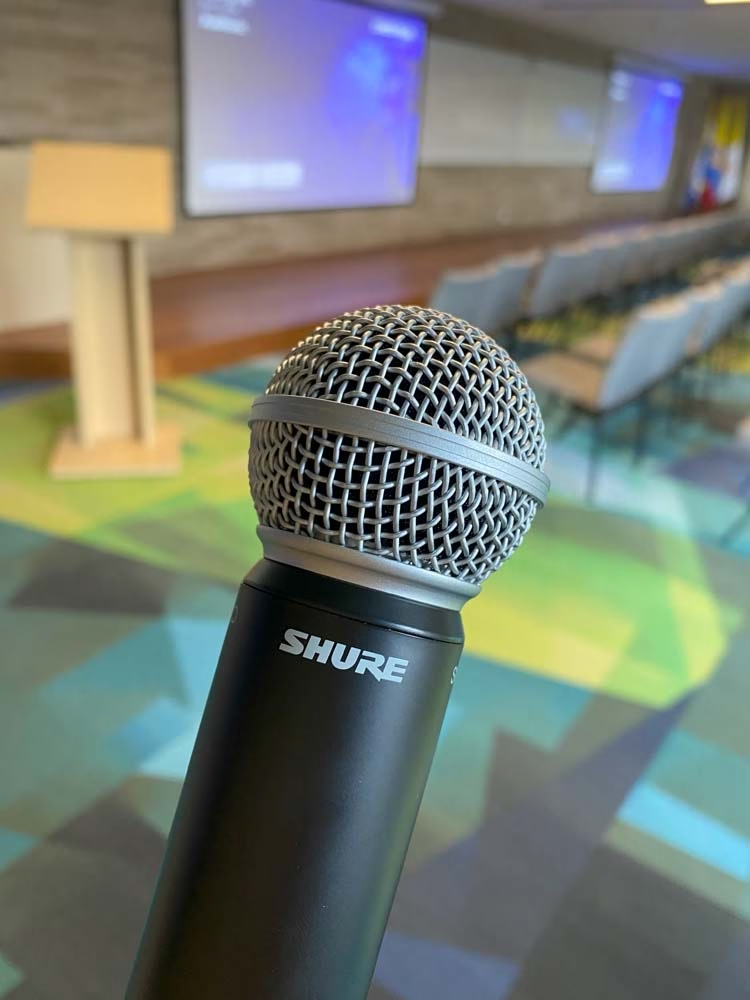
We integrate large-format imaging, even sound throughout the room, stage lighting, and control of an auditorium into a single system, operable with one touch. We design corporate and university auditoriums from the blueprint, with projection or LED screen, professional audio, and divisible rooms.
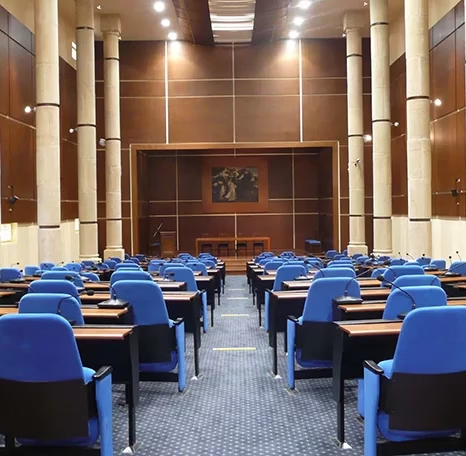
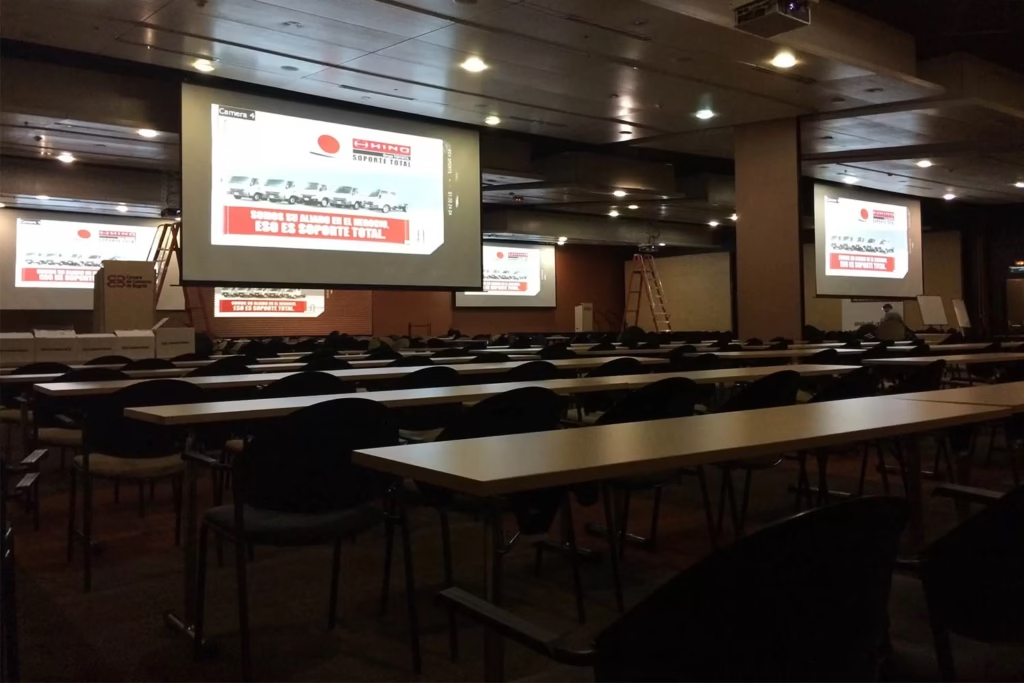
An integrated auditorium is a corporate or university auditorium where projection or LED screen, audio, microphones, lighting, and control work as a single system. One person operates it from a touch panel, without stepping onto the stage. We design, program, install, and maintain it in Bogotá, Medellín, and the rest of Colombia.
An auditorium fails for three recurring reasons: the back row can’t see the slide, the speaker doesn’t sound the same throughout the room, or the event stops while someone sorts out a connection. It’s almost never a lack of equipment. It’s that the projector, microphones, lights, and amplification were bought separately and nobody made them work together.
Integration solves that from the design stage. Image size is calculated by the distance to the back row, audio is sized so the level is even across every seat, and lighting is placed so it doesn’t cut the screen’s contrast. Then the control is programmed so every type of event has its own scene.
A corporate auditorium alternates launches, training sessions, and assemblies, often with streaming to other offices. A university one adds graduations, conferences with remote guests, and lectures that get recorded. The system is the same; what changes is the scenes, the microphones, and the camera requirements.
This page covers the complete solution. If you already know which part you need, see the guides on video and sound for auditoriums, lighting control for auditoriums, and projectors for auditoriums. If you are starting with the basics, read what a video beam is and what it is used for.
A smart auditorium is one operated with programmed scenes from a single panel. Instead of turning on each device separately, the operator picks the event type and the system adjusts image, audio, and lighting on the same command.
A conference scene turns on the projection, activates the speaker’s microphone, and dims the audience lighting without leaving the stage dark. A panel scene enables the table microphones; a video scene dims the room and raises the source audio; a break scene returns to general lighting.
Speakers share their presentation from their own device, with no cables, and the operator decides what’s projected and when. It’s worth separating the operations network, the speakers’ network, and the attendees’ network, so the audience doesn’t eat into the bandwidth the stream needs.
Automation also manages consumption. When the event ends, projection, amplification, and lighting shut down on schedule, and if nobody does it, a timer closes the room. With the equipment networked, the technology team sees the auditorium’s status and support can diagnose issues without traveling on-site.
Before talking brands, it’s worth reviewing the space. The first variable is actual capacity and the distance to the back row, because that’s where image size and audio coverage come from.
The second is light: windows, fixtures that spill onto the screen, and the lighting the stage needs for a broadcast. The third is acoustics, because high ceilings, glass, and hard floors reflect the voice, and no speaker fully corrects a room that bounces sound.
The fourth is how it will be used in the coming years: whether there will be hybrid events, recording, translation, or dividing rooms. Accessibility, circulation to the stage, and the location of the booth or control station matter too.
Those answers decide what can be reused. Many auditoriums keep screens, speaker structure, or cabling in good condition, and modernization concentrates on control, audio processing, and microphones.
When the auditorium splits with movable partitions, each section needs its own image, its own audio, and its own control, and when they’re joined it has to work as a single room. The system detects the partition position, or the operator selects it, and distributes microphones, speakers, and sources according to the configuration.
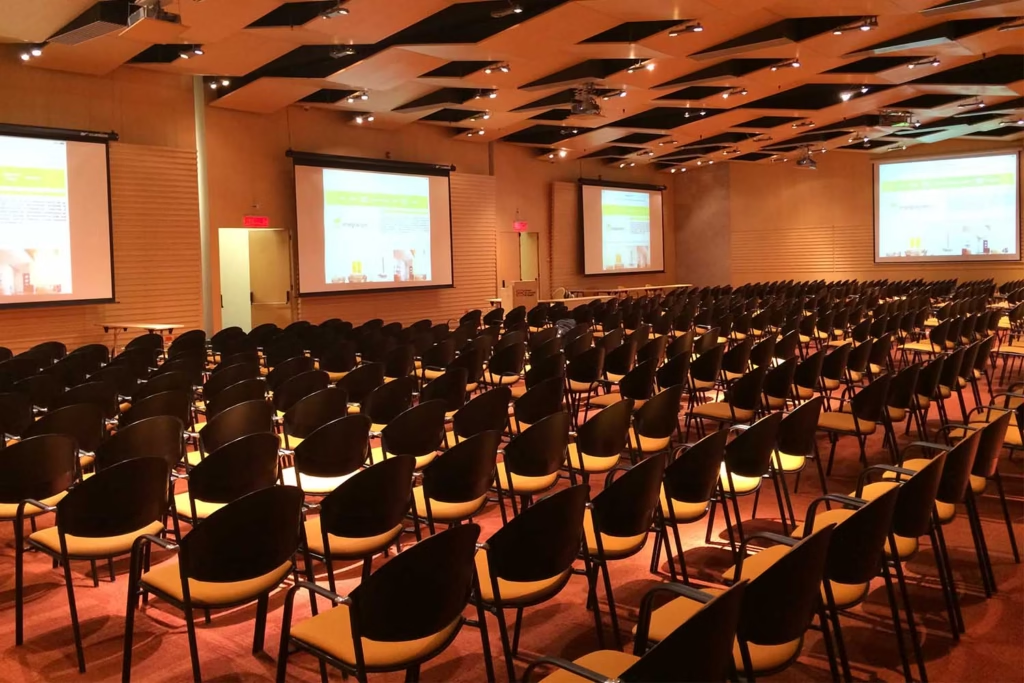
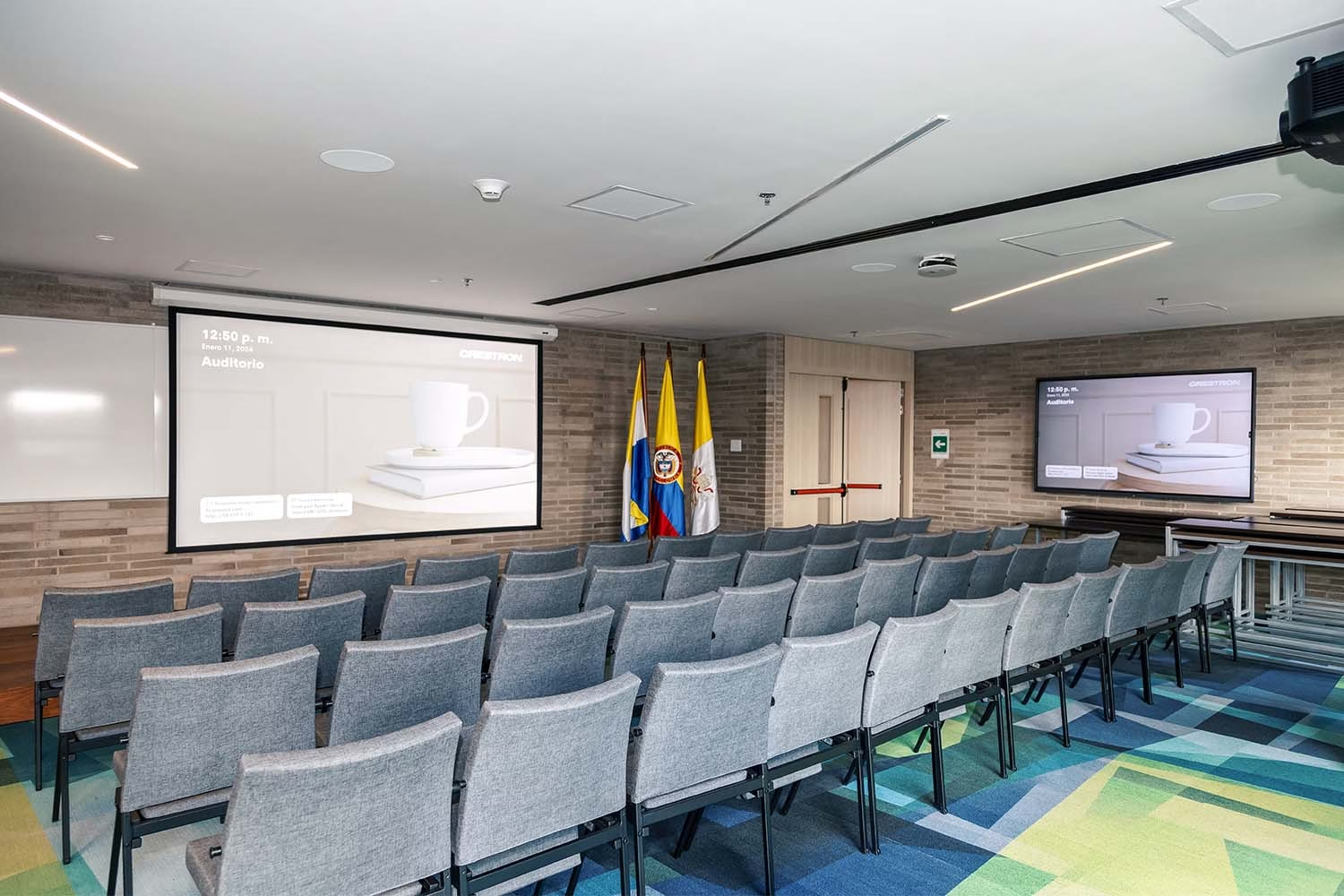
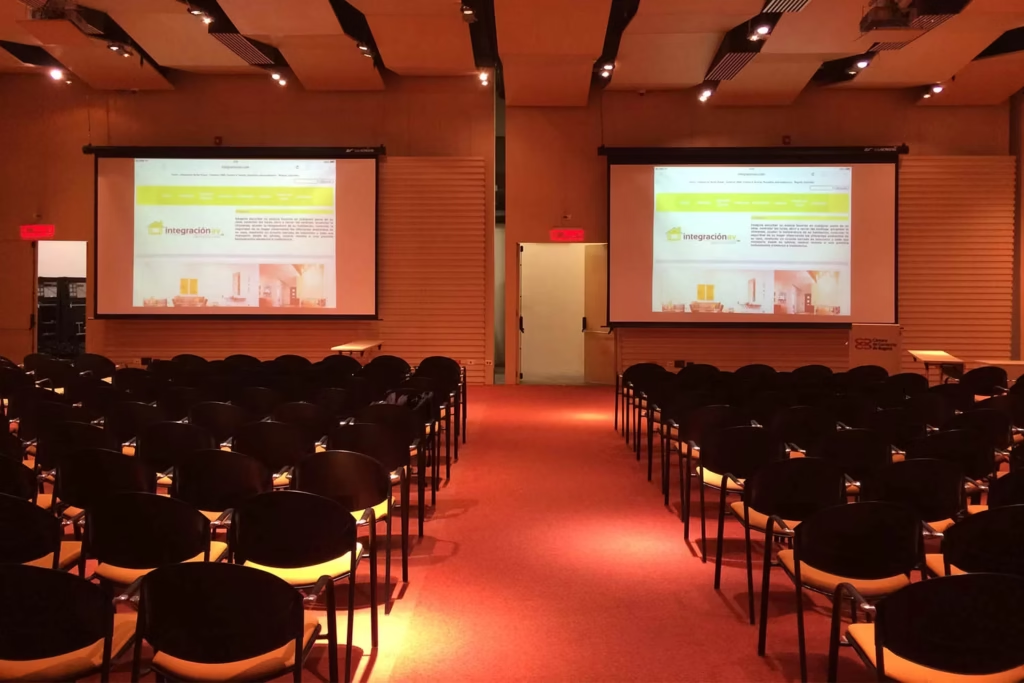
Launches, training sessions, and assemblies at private and multinational company offices, with streaming to other locations.
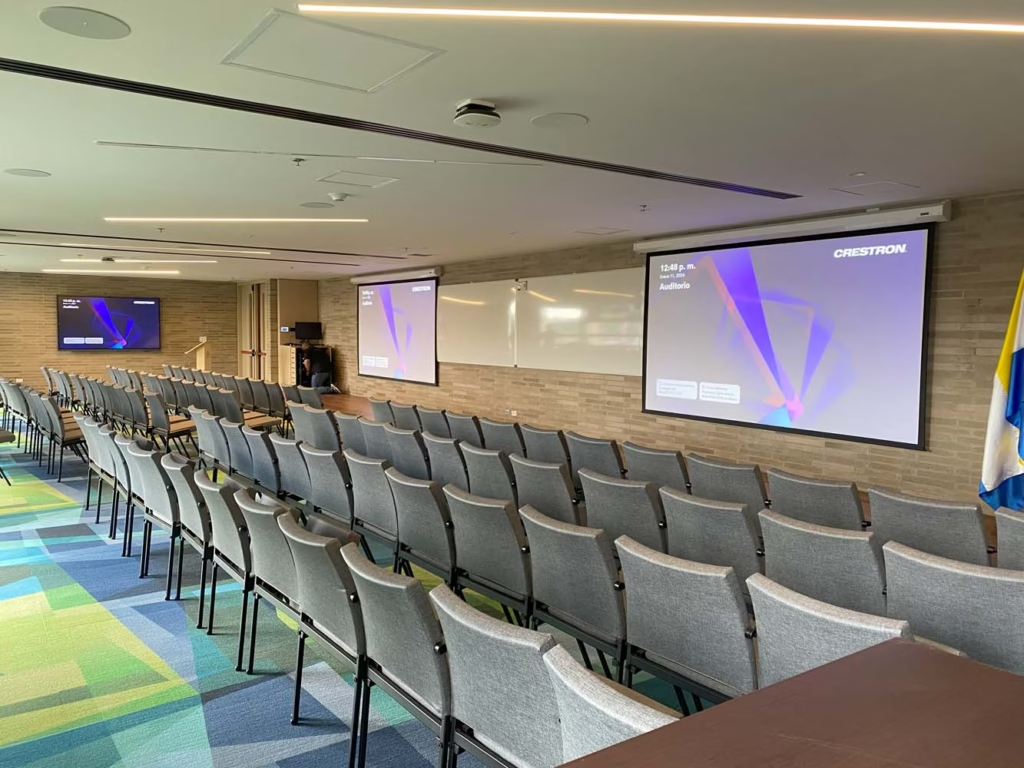
Graduations, conferences with remote guests, and lectures that get recorded, at universities and private schools.
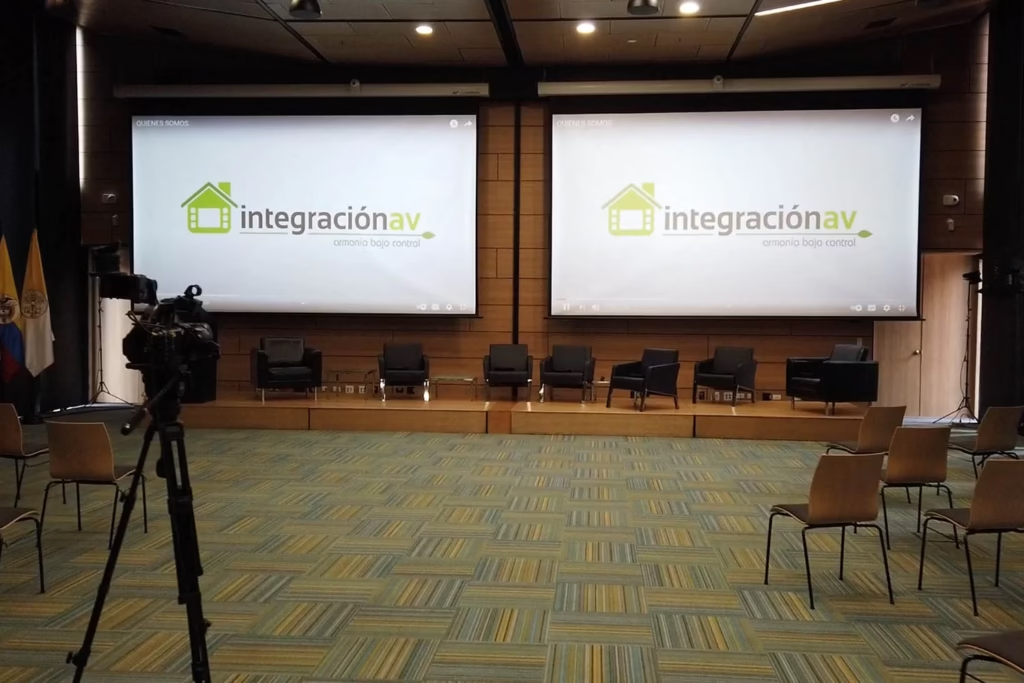
Mid-size rooms where part of the audience joins remotely and the camera, audio, and content travel into the meeting.
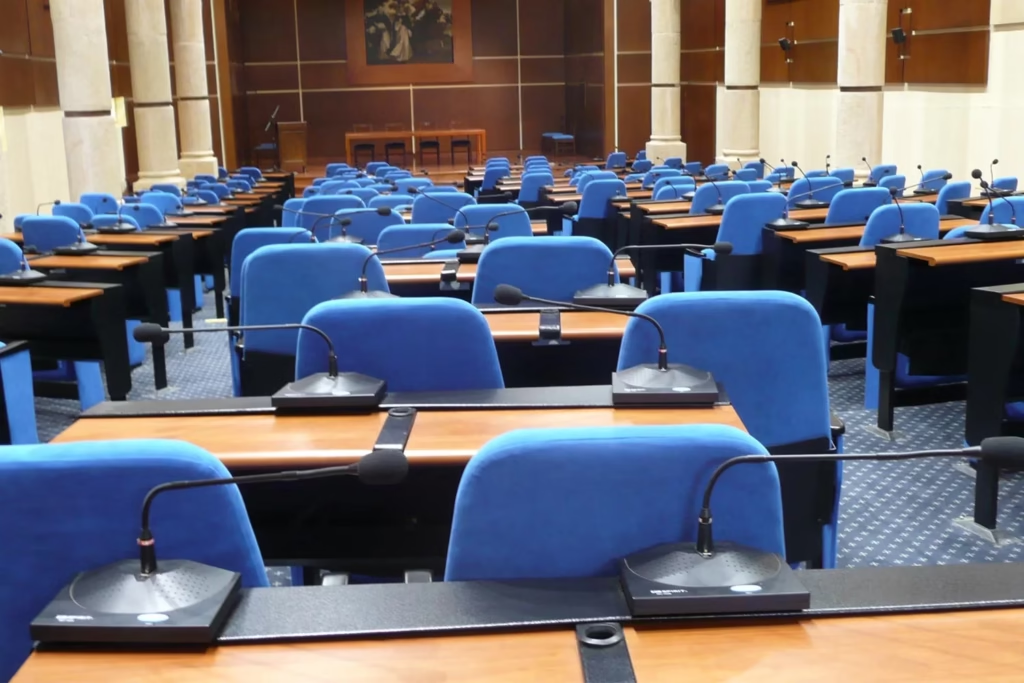
Venues with a microphone per seat for deliberations, shareholder meetings, and public-agency sessions.
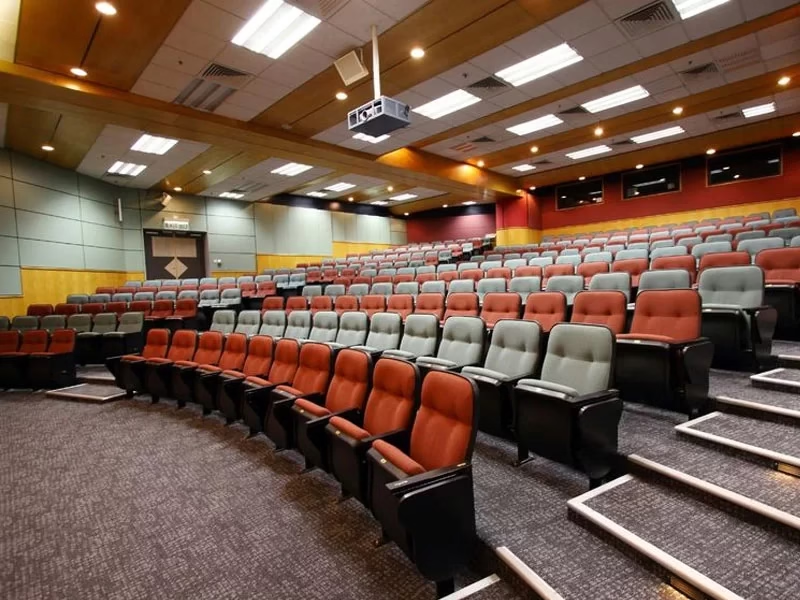
We study the scope of every technology so we combine only what your auditorium needs: projection or LED, beam steering or line array, lighting scenes. Crestron Master Gold status, AVIXA's CTS certification, and Crestron Service Provider status back that judgment.
Before proposing purchases we check which auditorium equipment can be reused. We program automatic shutdown of projection, audio, and lighting, and align the solution with LEED buildings where it applies. We are part of the AVIXA Sustainability program.
AV Awards Americas 2025 as Project of the Year in Learning Environments and CALA Awards 2024, for Universidad Javeriana's Simulation Center.
Design, programming, installation, training, and after-sales support with the same point of contact. The auditorium is delivered operational and maintained for its entire useful life.
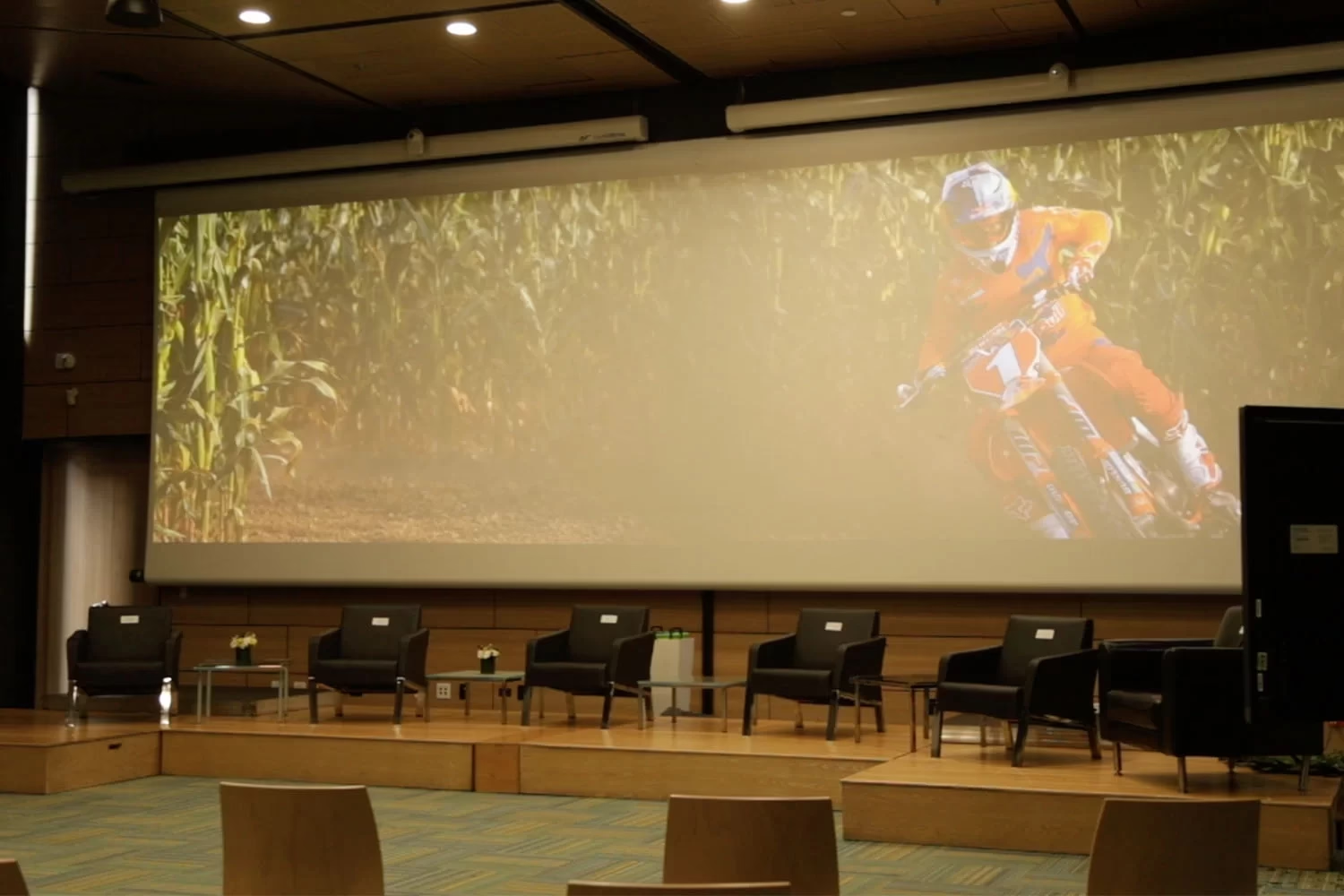
The photographs in this section show auditoriums and event spaces we integrated at corporate and university sites across Colombia: projection, audio, microphones, lighting, and control operating as a single system.
Among the projects published in success stories is Universidad Javeriana: a multi-space project with Crestron automation that brings together auditoriums, medical simulation rooms, and outdoor screens under one control layer. That project received the AV Awards Americas 2025 as Project of the Year in Learning Environments.
We also integrated academic and corporate spaces with a room and auditorium for CESA, and the auditorium and meeting rooms for Fedepalma, with integrated audio, video, and control.
Tell us about the space and your estimated date. A specialist replies during office hours.
If your question isn’t here, write to us: a specialist replies during office hours.
Our main office is in Bogotá, at Calle 42 #27A-45, Office 403, and we have an office in Medellín. We take on auditoriums across Colombia: where certified technical partners are available, the installation is carried out with them under our supervision, and where none are available we send our own staff.
The first conversation is a technical consultation. We review your auditorium, the type of events, capacity, light and acoustic conditions, and which existing equipment can be reused.
From there we prepare a detailed quote, with scope, AV drawings in AVIXA notation, an installation schedule, and an after-sales model.
A specialist replies during office hours, Monday to Friday, 8:00 AM to 6:00 PM (Colombia time).
Replies during office hours.