Choosing a projector for an auditorium starts with the distance to the back row, which defines image size. Next comes calculating brightness based on the room’s light, and choosing resolution and lens based on throw distance; in auditoriums with heavy ambient light, an LED screen can be the better option.
Projection is one layer of an integrated corporate or university auditorium, where image, audio, lighting, and control work as a single system.
In short
- Image size comes from the distance to the back row.
- Required brightness depends on the light reaching the screen.
- Lens and placement are chosen using the room’s drawings.
- With hard-to-control light or heavy use, it’s worth evaluating an LED screen.
Projector: the same equipment, different names
In Colombia, projectors are often called “video beams.” Our guide what a video beam is and what it is used for explains how it works. The difference that matters isn’t the name but the equipment class: a small portable projector doesn’t work for an auditorium.
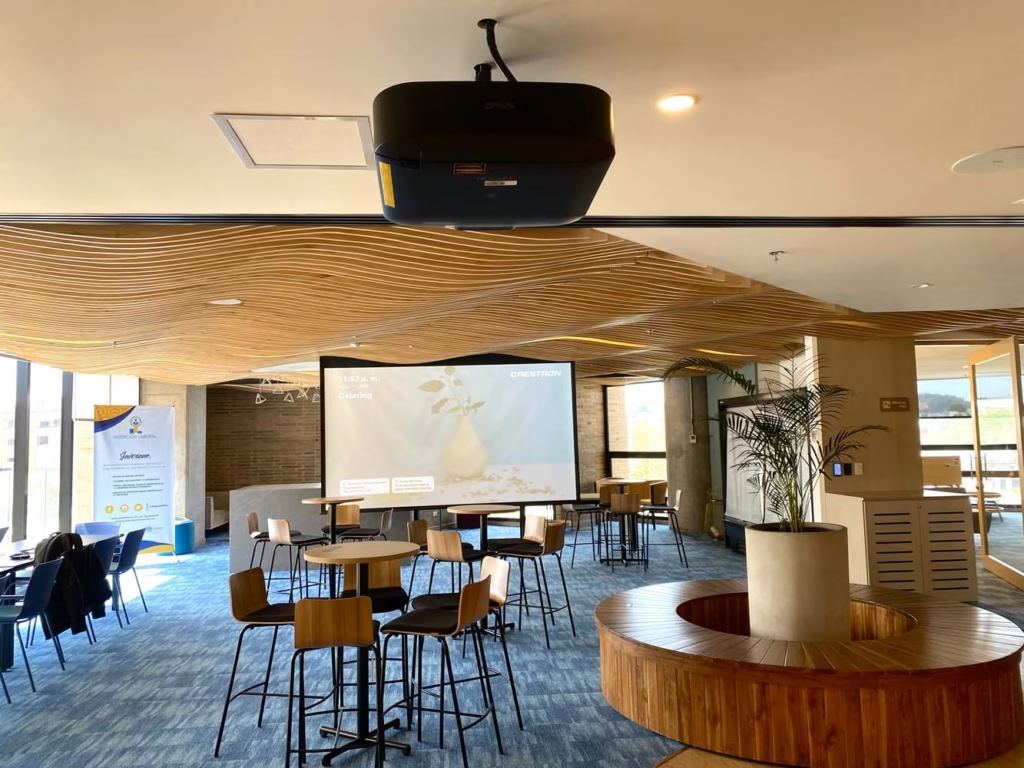
An installation projector has more brightness, interchangeable lenses, more continuous-use hours, and a connection to the control system, so it turns on with the event’s scene.
Many installation projectors today use a laser light source instead of a lamp. That cuts maintenance and keeps brightness more stable over years of use.
Five variables for choosing an auditorium projector
- Image size and format
- Calculated by the distance to the back row, so presentation text is legible, and adjusted to the content’s format.
- Brightness
- Depends on ambient light, image size, and the screen. A room with windows needs far more brightness than a dark room.
- Resolution
- Native resolution should match the content and viewing distance; in large spaces, native resolution matters more than supported resolution.
- Lens and distance
- The lens determines where the projector can be placed. A large auditorium projector usually needs a long-throw or interchangeable lens.
- Placement and mounting
- Ceiling, booth, or structure, with access for maintenance, ventilation, and signal and power routing.
The screen is designed too
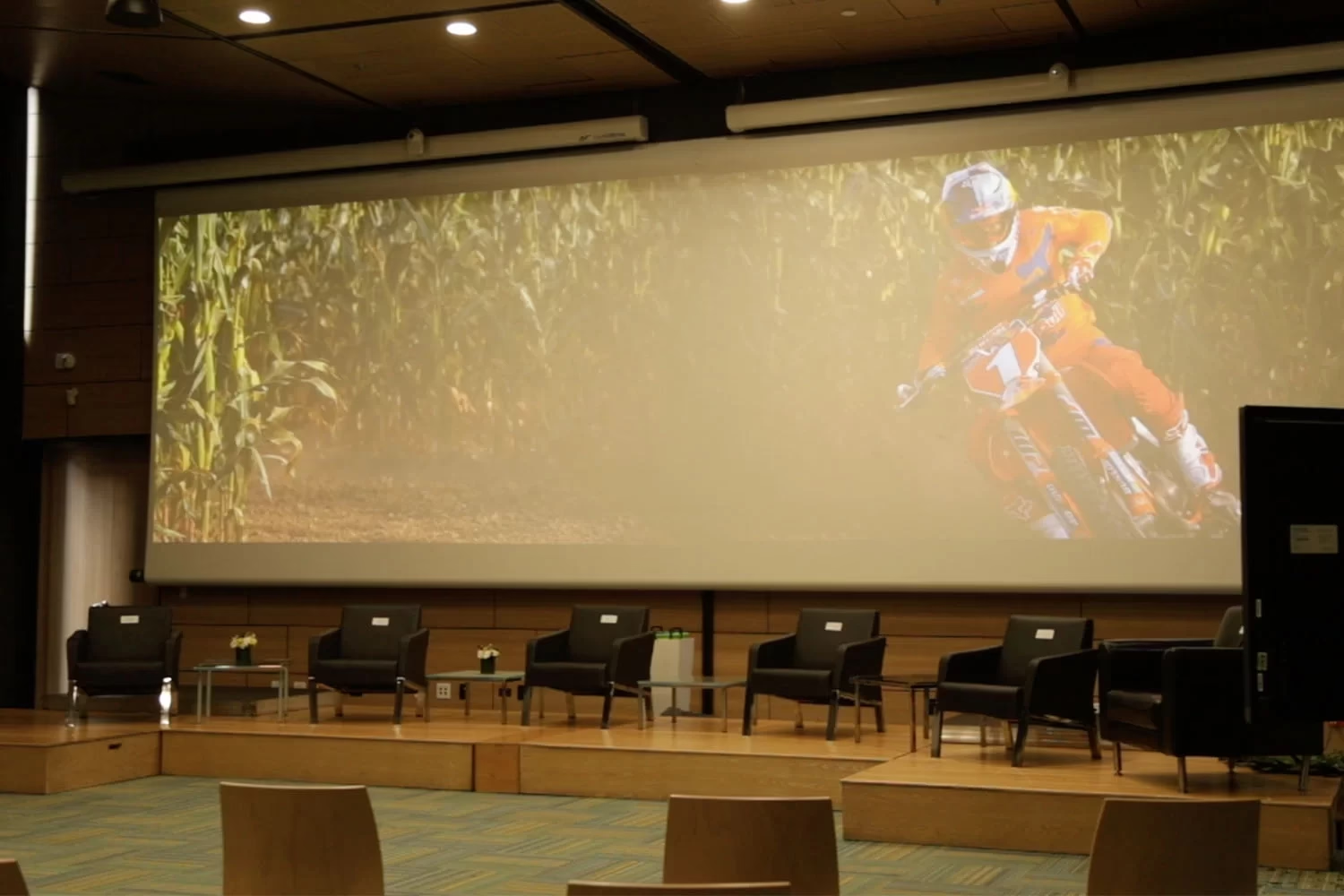
The screen’s format follows the content: most presentations and videos today are widescreen. The surface is chosen based on the room’s light and the angle the audience views from.
The bottom edge of the image should sit above the heads of the front rows, so nobody blocks the bottom of a slide. If the stage is also used without projection, a motorized screen frees up the space.
Projector or LED screen for an auditorium
The question isn’t just which projector to buy anymore. In many auditoriums the alternative is an LED screen, and the choice depends on use.
| Criterion | Projector | LED screen |
|---|---|---|
| Room light | Needs light control on the screen | Holds contrast in ambient light |
| Image size | Large surfaces for a smaller investment | Built module by module to whatever size is needed |
| Maintenance | Filter cleaning and light source servicing based on hours of use | Module and ventilation checks |
| Typical use | Auditoriums with controlled light and event-based use | Heavy use, natural light, or an image visible with the lights on |
One large screen, or two at the sides of the stage
When the room is wide or has columns, two synchronized screens on either side of the stage give a better viewing angle than one centered screen. One can show the content and the other the speaker or the remote participant.
The decision is made with the drawings: for every seating zone, we check what part of the image is visible and from what distance.
Key idea
The screen is sized for the back row, not for the width of the wall.
How presentations reach the projector
In an auditorium, the projector can be dozens of meters from the podium. The signal travels over structured cabling with video transmitters and receivers, and the speaker connects their laptop at the podium or shares the screen wirelessly.
The operator decides from the panel which source is projected: the presentation, a video, the camera, or a remote participant. That way switching between speakers doesn’t depend on unplugging and reconnecting.
Installation, control, and maintenance
The projector integrates with the auditorium’s control: it turns on with the event’s scene, receives the right source, and shuts down on its own when it’s over. That extends the light source’s useful life and avoids equipment running unused.
With use, the projector needs filter cleaning, light source checks, and image adjustment. That’s covered by preventive maintenance of audiovisual systems. We work with Sony projection and monitors and Unilumin LED screens.
You may also be interested in
Frequently asked questions about auditorium projectors
How many lumens does an auditorium projector need?
There’s no single figure. It depends on image size, screen type, and the light reaching it; a room with windows needs far more brightness than a dark room. That’s why brightness is calculated during the technical site visit, with the space’s actual measurements.
What’s better for an auditorium, a projector or an LED screen?
If the room’s light can be controlled and the auditorium is used for events, a projector delivers a large image for a smaller investment. If there’s natural light, heavy use, or the image needs to be visible with the lights on, an LED screen is the better fit.
How do you choose a projector for a large auditorium?
Start with the distance to the back row to define image size, calculate brightness based on the room’s light, and choose a long-throw or interchangeable lens based on throw distance. In wide rooms, two synchronized screens are worth evaluating.
Let’s Choose Your Auditorium’s Projection
In the first conversation we review the capacity, acoustics, light, and equipment your auditorium already has. From there we deliver a proposal with scope, drawings in AVIXA notation, schedule, and after-sales model.
Request a Technical Consultation Message us on WhatsApp
Bogotá and Medellín · +57 301 656 9858