Audio and video automation for a company is the system that controls rooms, auditoriums, and common areas from a single point: turning on the room and the video call with one touch, booking spaces, showing information on screens, and shutting everything down when nobody’s using it. You can start with one room and grow from there.
It’s one layer of our audiovisual integration services: the system is designed first, then the control is programmed, and then it’s maintained. This guide explains what can be automated, what the company gains, and where to start.
In short
- What gets automated is how the spaces are used, not just the equipment.
- A single panel can handle video, audio, lighting, and shades.
- Room booking and signage integrate with the system too.
- Automatic shutdown saves energy and extends equipment life.
What can be automated at a company
These are the spaces and functions most often automated at corporate and educational sites. Each can be its own project or part of a shared system.
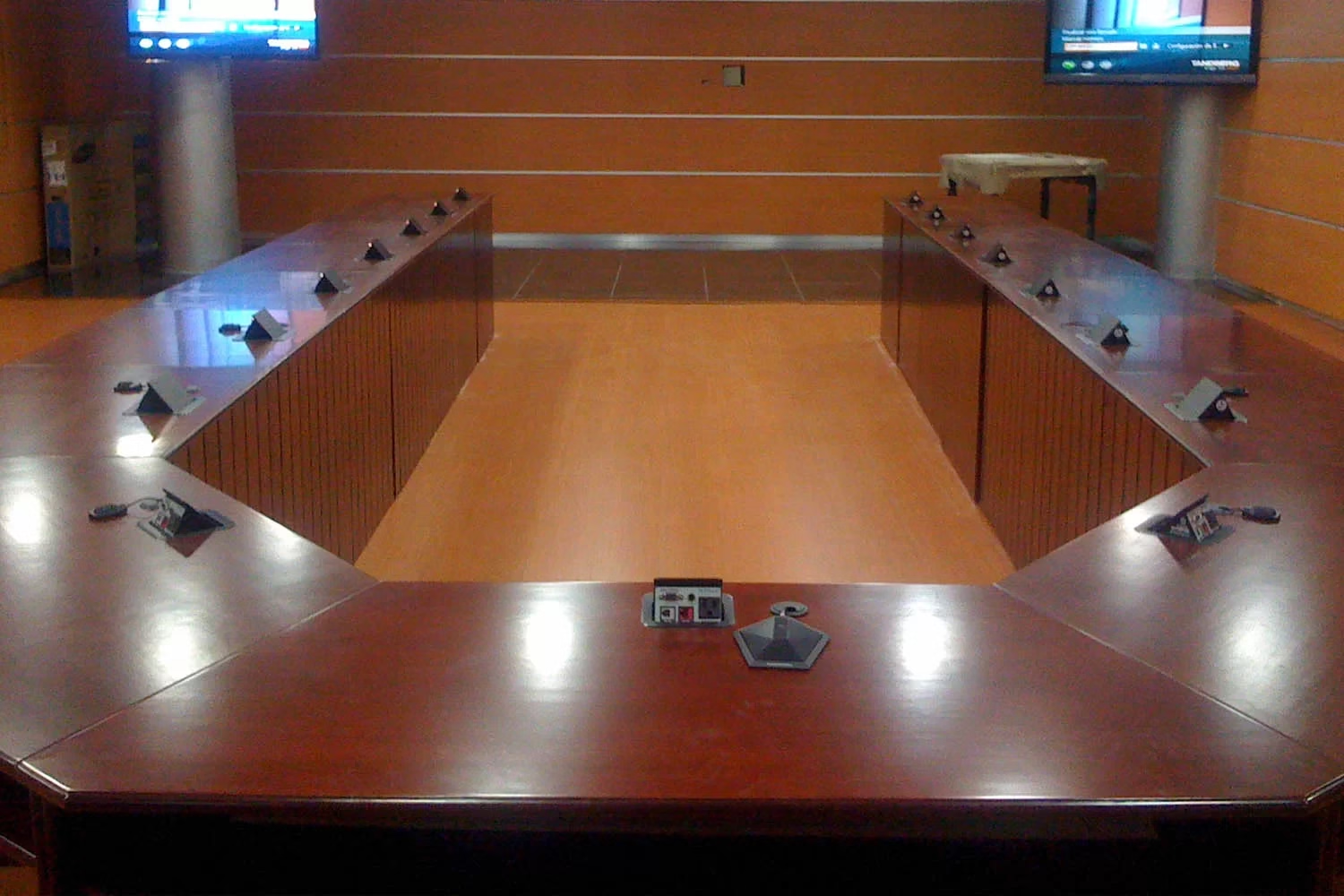
Boardrooms and video conferencing
The room turns on, adjusts the light, and starts the video call with one touch on the panel.
Auditoriums and training rooms
Scenes for conferences, projection, or events, with no need for a technician at every session.
Room and desk booking
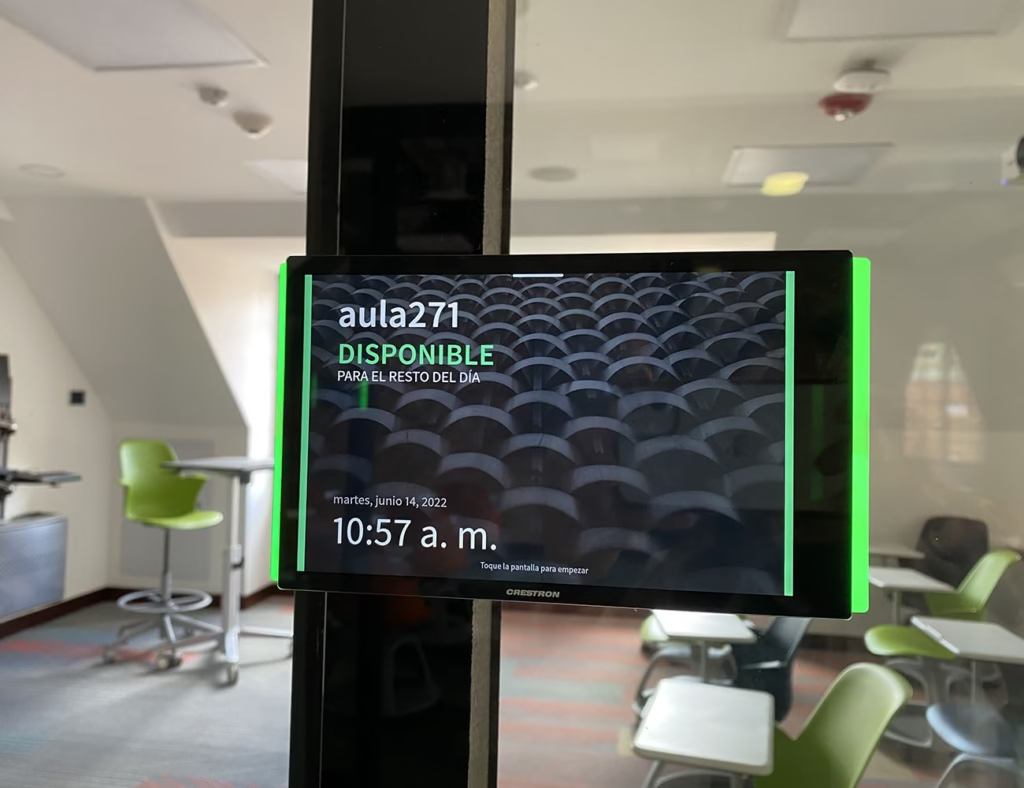
Screens at the door show real-time availability and prevent double-bookings.
Digital signage
Messages and content updated over the network on the office’s screens, with no printed signs.
Control from a panel
A single panel handles the space’s projection, audio, lighting, and shades.
Background sound and paging
Background music, announcements, and zoned paging, on scheduled hours.
What the company gains
Meetings that start on time
Nobody hunts for cables or controls: the room is ready with one touch.
Energy savings
Equipment shuts itself down at the end of the day or when the room empties.
Fewer operating errors
Programmed scenes prevent misconfiguration on every use.
Growth in stages
Rooms or functions are added without redoing what already works.
Energy savings are the easiest benefit to measure. A room that shuts itself down when the meeting ends avoids hours of projectors, screens, and amplifiers running unused, and those hours also count toward the equipment’s useful life.
You may also be interested in
How it integrates with the AV system
Automation isn’t an extra device: it’s the programming that makes the room’s equipment respond together. These are its usual components.
- Central controller
- Receives commands and coordinates video, audio, lighting, and shades.
- Touch panels and keypads
- The interface the person in the room uses, with one-touch scenes.
- Occupancy sensors
- Let equipment shut down when the space is empty.
- Calendar integration
- Connects room booking with corporate email and the door screens.
Programming also defines what happens if something fails: alternative manual controls can be kept in place so the room stays usable while the issue is addressed.
Automating without replacing all the equipment
Automating doesn’t require buying everything new. Many projectors, screens, microphones, and amplifiers already installed can be integrated into the control system if they’re in good condition and can receive commands.
That’s why the first step is an assessment of what exists: what to keep, what to upgrade, and what’s worth replacing. Reusing what works lowers the project cost and the amount of equipment discarded.
Where to start
- Inventory of spaces and equipmentWhat rooms exist, how they’re used, and what equipment can be kept.
- Priority by useStart with the space that’s used most or causes the most problems.
- Control designDefine the scenes, panels, and integrations needed.
- Programming and trainingProgram the system, test it, and train users.
- Growth in stagesReplicate the scenes in other spaces with the same usage logic.
Frequently asked questions about business automation
Do I need to replace all the infrastructure to automate?
No. Automation systems are modular: you can start with one room or one function, such as room power-on or space booking, and grow based on budget. It’s worth assessing first which existing equipment can be integrated.
Is automation only for large companies?
No. A mid-size company can automate its meeting rooms, space booking, or office signage. The project’s size adjusts to the number of spaces and how they’re used.
What happens if the automated system fails?
The system can be programmed with alternative manual controls so the room stays usable. Maintenance and technical support also define how and how quickly the failure gets addressed.
What maintenance does an automated system need?
Scheduled equipment checks, firmware updates when the manufacturer releases them, and programming adjustments when the space’s use changes. We cover this in detail in our audiovisual systems maintenance service.
Want to Automate Your Company’s Rooms?
We review your spaces and the equipment you already have, and propose where to start: what to automate first, how it integrates with what exists, and how it grows afterward.
Request a Technical Consultation Message us on WhatsApp
Bogotá and Medellín · +57 301 656 9858