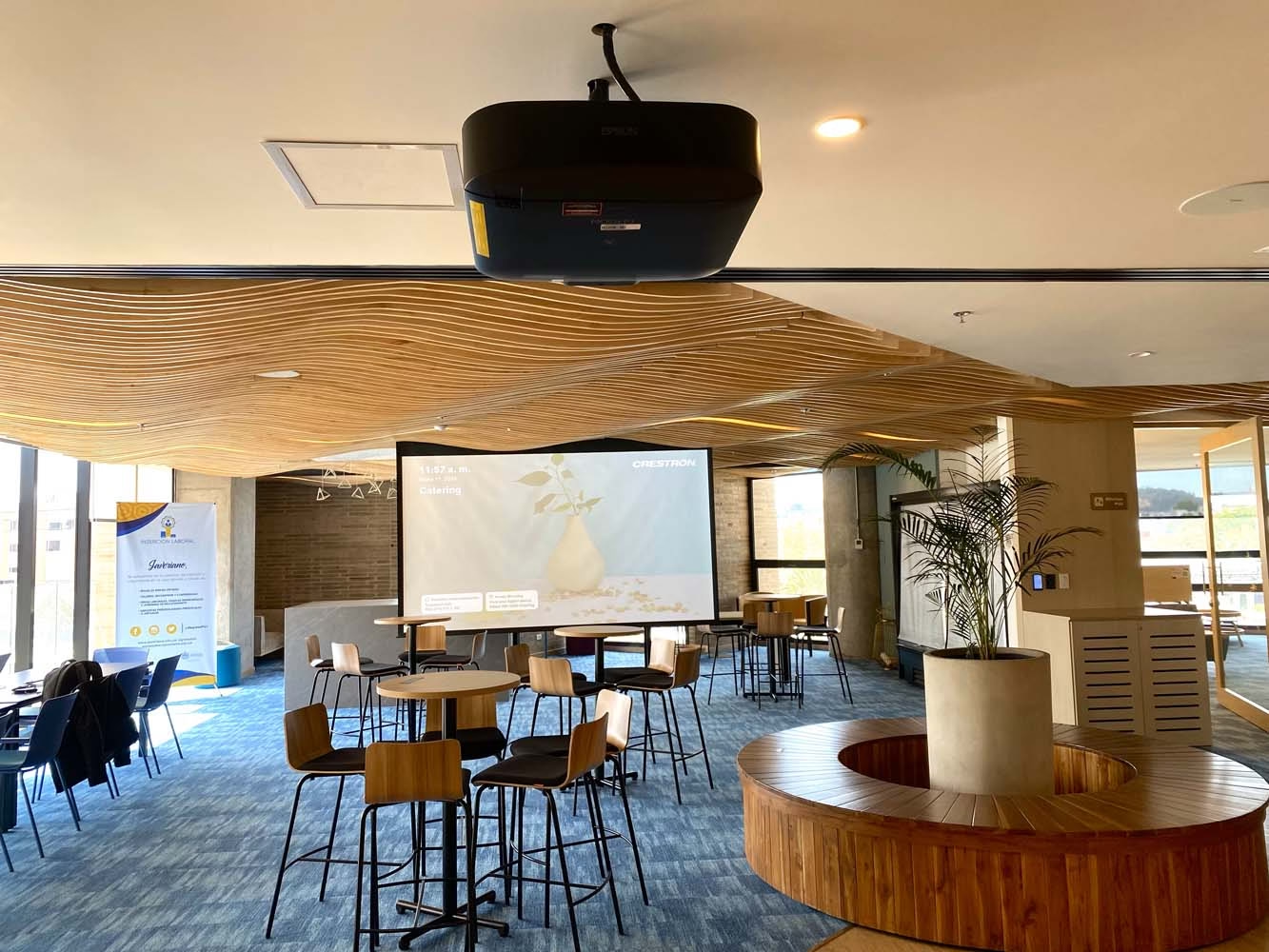
A video beam is a projector: it takes the signal from a computer, a phone or a camera and turns it into a large image on a screen or a wall. It is used for presentations, classes, video calls and events in boardrooms, classrooms and auditoriums, where a TV is too small.
In a professional project the video beam never works alone: it is one part of a system with a screen, audio, control and cabling. That is how we design it in corporate and university auditoriums and in interactive classrooms for schools and universities.
In short
- Video beam and projector are the same device; in Colombia the first name is more common.
- It works with three parts: a light source, a system that forms the image and a lens that enlarges it.
- To choose one, look at brightness, native resolution, throw ratio and connections.
- With a lot of light or heavy use, compare it with a display or an LED screen.
Is a video beam the same as a projector?
Yes. Video beam is the name used in Colombia for a video projector. Spec sheets and manufacturer catalogs call it a projector; in a quote, an office or a classroom people call it a video beam.
What does change is the class of device. A portable video beam for a small room has little in common with an installation projector for an auditorium: brightness, lenses, hours of continuous use and mounting are all different.
How a video beam works
The video beam receives a video signal over a cable, such as HDMI, or over the network. It processes the signal and projects it through a lens. Three parts define the quality of the image the audience sees.
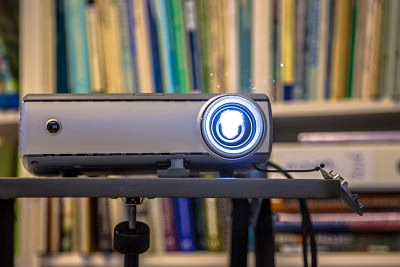
- Light source
- Lamp, LED or laser. LED and laser sources keep brightness more stable over the years and need no lamp replacement; a lamp is the lowest upfront cost.
- Imaging system
- It forms the image with LCD panels (in 3LCD devices, one per primary color) or with a DLP micromirror chip. Both technologies offer models for offices, education and fixed installations.
- Lens
- It enlarges the image and sets how far the device must be. Some installation projectors allow a lens change or shifting the image without moving the projector.
The surface matters too. A projection screen reflects light evenly; a painted wall works for occasional use, but it loses brightness and contrast.
What a video beam is used for
It lets many people see the same content at the same time, in a large image. These are the most common uses in companies and schools.
Boardrooms
Presentations, dashboards and documents that everyone at the table reads at once.
Classrooms and training rooms
Lessons, supporting material and videos that the teacher projects from a laptop or wirelessly.
Auditoriums
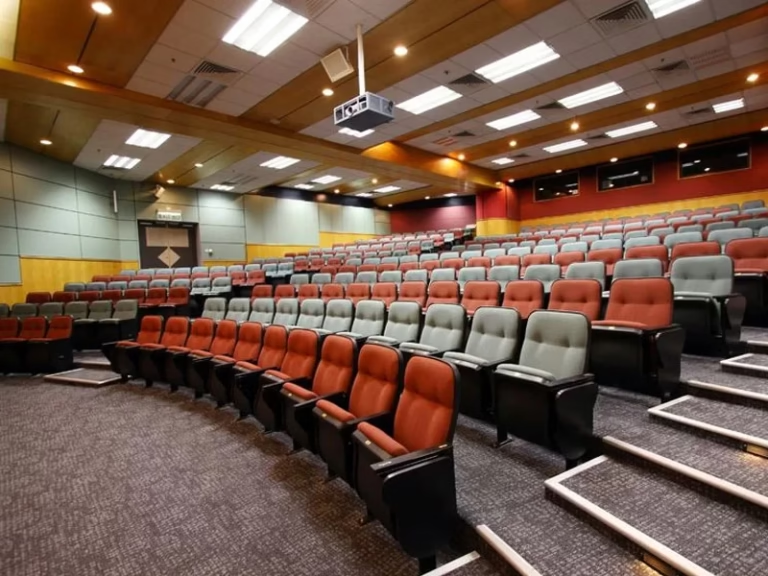
Conferences, events and graduations, with one or several synchronized screens for every seat.
Video conferencing
Remote participants appear at a large size while the room shares content.
What to look at when choosing a video beam
A spec sheet lists dozens of figures. For professional use, these five decide whether the image will look good in your space.
- Brightness (ANSI lumens)
- The amount of light the device delivers. It is chosen by the light that reaches the screen and the image size: a room with windows needs much more brightness than a dark room.
- Native resolution
- The resolution the device actually projects, not the maximum it accepts. For spreadsheets, drawings or small text, Full HD (1920 × 1080) or higher is advisable.
- Contrast
- How dark blacks look next to whites. In rooms with light, brightness and the screen matter more than the contrast figure on the spec sheet.
- Throw ratio
- How far the device must be for a given image width. With a ratio of 1.5, a 2-meter-wide image needs the projector 3 meters away. Short-throw models are installed very close to the screen.
- Connections and control
- HDMI for the room’s devices, a network input for wireless sharing and a control port to turn it on and off from the room system.
Key idea
Brightness is calculated for the real light in the space, not for a dark room.
Video beam, TV or LED screen
The most common question is whether a video beam or a TV is the better choice. The answer depends on the image size you need, the light in the space and how many hours a day it is used.
| Criterion | Video beam | Display or TV | LED screen |
|---|---|---|---|
| Image size | Large image with a lower investment | Limited to standard panel sizes | Built from modules up to the size you need |
| Light in the space | Needs control of the light on the screen | Looks good with ambient light | Keeps contrast even with daylight |
| Typical use | Auditoriums, classrooms and large rooms with controlled light | Small and medium rooms, video conferencing and daily use | Heavily used auditoriums, lobbies and spaces with daylight |
| Maintenance | Filter cleaning and light source checks by hours of use | Minimal | Module and ventilation checks |
In classrooms, an interactive display often replaces both the video beam and the whiteboard, because the teacher writes on top of the content. We explain it in our guide to smart boards for schools and universities.
You may also be interested in
Projector for an auditorium: how to choose a projector, video beam or LED screen
A professional video beam is part of a system
In a boardroom or an auditorium, the signal reaches the projector from the table or the lectern over structured cabling. Presenters can share their screen wirelessly with a presentation system such as Mersive Solstice.
The control system turns the video beam on with the meeting scene, selects the source and switches it off at the end. Nobody hunts for the remote or the right cable, and the device is never left on unused.
Key idea
Placement, screen and calibration matter as much as the device.
Installing and maintaining a video beam
Before installing, we review the drawings: distance to the screen, height of the bottom edge of the image so front rows do not block it, ventilation and access for maintenance. In boardrooms that are also used without projection, a motorized screen frees the wall.
With use, the device needs filter cleaning, light source checks and image adjustment, all covered by preventive maintenance of audiovisual systems. Before replacing a video beam it is worth assessing it: if it is in good condition, it can be reused in the new system.
Frequently asked questions about video beams
Is a projector the same as a video beam?
Yes. Video beam is the name used in Colombia for a video projector. What changes from one device to another is the class: portable, office or installation, with different brightness, lenses and hours of use.
Which is better, a video beam or a TV?
It depends on the space. A video beam gives a larger image for a lower investment if the light can be controlled; a TV or display looks better with ambient light and suits small and medium rooms. With daylight and heavy use, an LED screen is worth evaluating.
What does a video beam need to work?
Power, a signal source (computer, phone, camera or player) connected by cable or over the network, and a projection surface. Professional rooms add the screen, cabling to the connection point and, if there is audio, speakers.
How do you project a computer or phone screen?
With an HDMI cable, or an adapter for the device’s port, or wirelessly, with the projector’s screen mirroring function or a wireless presentation system. In the rooms we integrate, that system lets participants share their screen from the table.
How much does a video beam cost in Colombia?
It depends on brightness, resolution, light source and whether it is portable or an installation model. In a room or an auditorium the price also covers the screen, cabling, mounting and control, which is why it is quoted after reviewing the space.
Let’s design the projection for your space
In the first conversation we review the space, the light, how it is used and the equipment you already have. With that we propose the video beam or the alternative that serves you best, with installation, control and support.
Request a technical consultation Message us on WhatsApp
Bogotá and Medellín · +57 301 656 9858