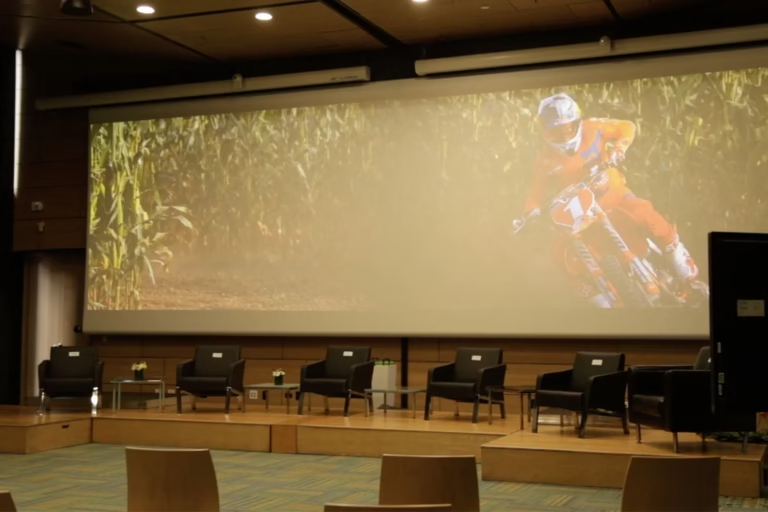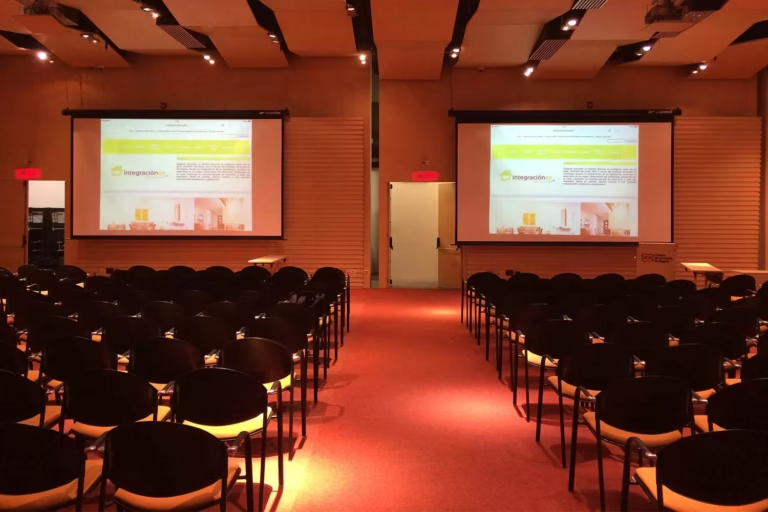
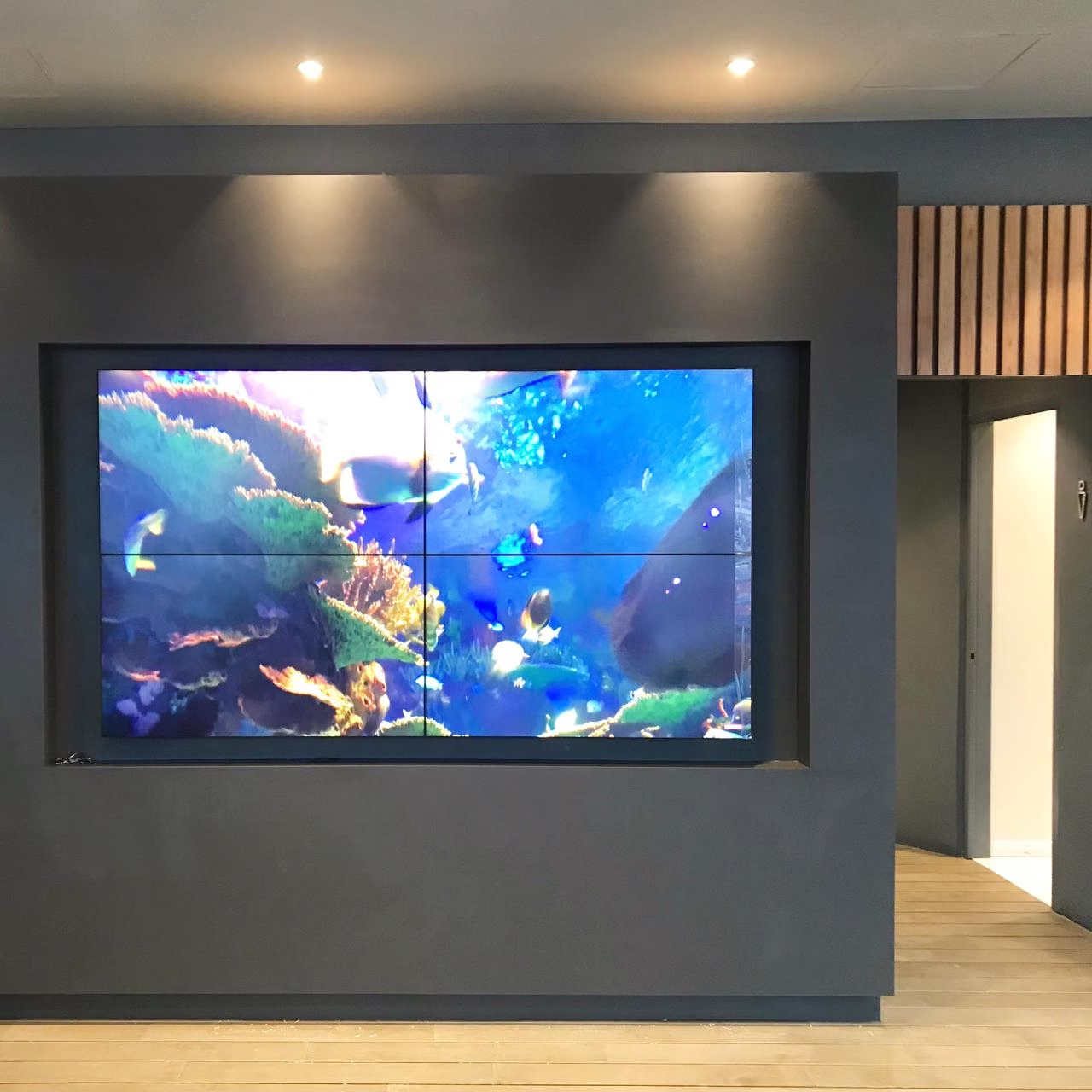
A video wall is a set of screens or LED modules that work in sync and appear as a single surface. Integración AV designs and installs video walls in Colombia for control rooms, monitoring centers, crisis rooms, and auditoriums, with the processor and software that decide what shows on each part of the wall.
In a monitoring and control center, the video wall is the centerpiece: that’s where cameras, data dashboards, and the systems the operation needs to see at once all come together. This guide explains how to choose the technology, what the processor does, and what installation looks like.
What a video wall is and when it makes sense
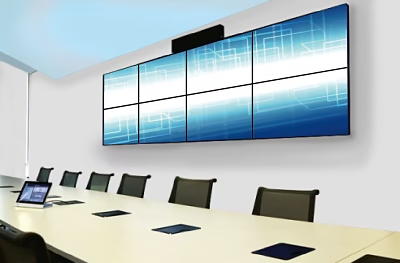
A video wall is used when several sources need to be shown at once, or content needs to display at large scale. It typically runs between two and sixteen screens, which don’t have to be arranged in a rectangle.
The layout can be symmetric, with screens of the same size in the same position, which is standard in control rooms because no image gets distorted. It can also be asymmetric, with a custom design used mostly in commercial spaces and signage projects, where visual impact matters more.
LED or LCD: how to choose
| Aspect | LCD video wall | LED video wall |
|---|---|---|
| Surface | Thin-bezel panels; the seam between panels shows | Modules that form a continuous, seamless surface |
| Detail | High resolution per screen | Pixel pitch determines the viewing distance for a clean image |
| Format | Standard panel sizes | Custom sizes and formats |
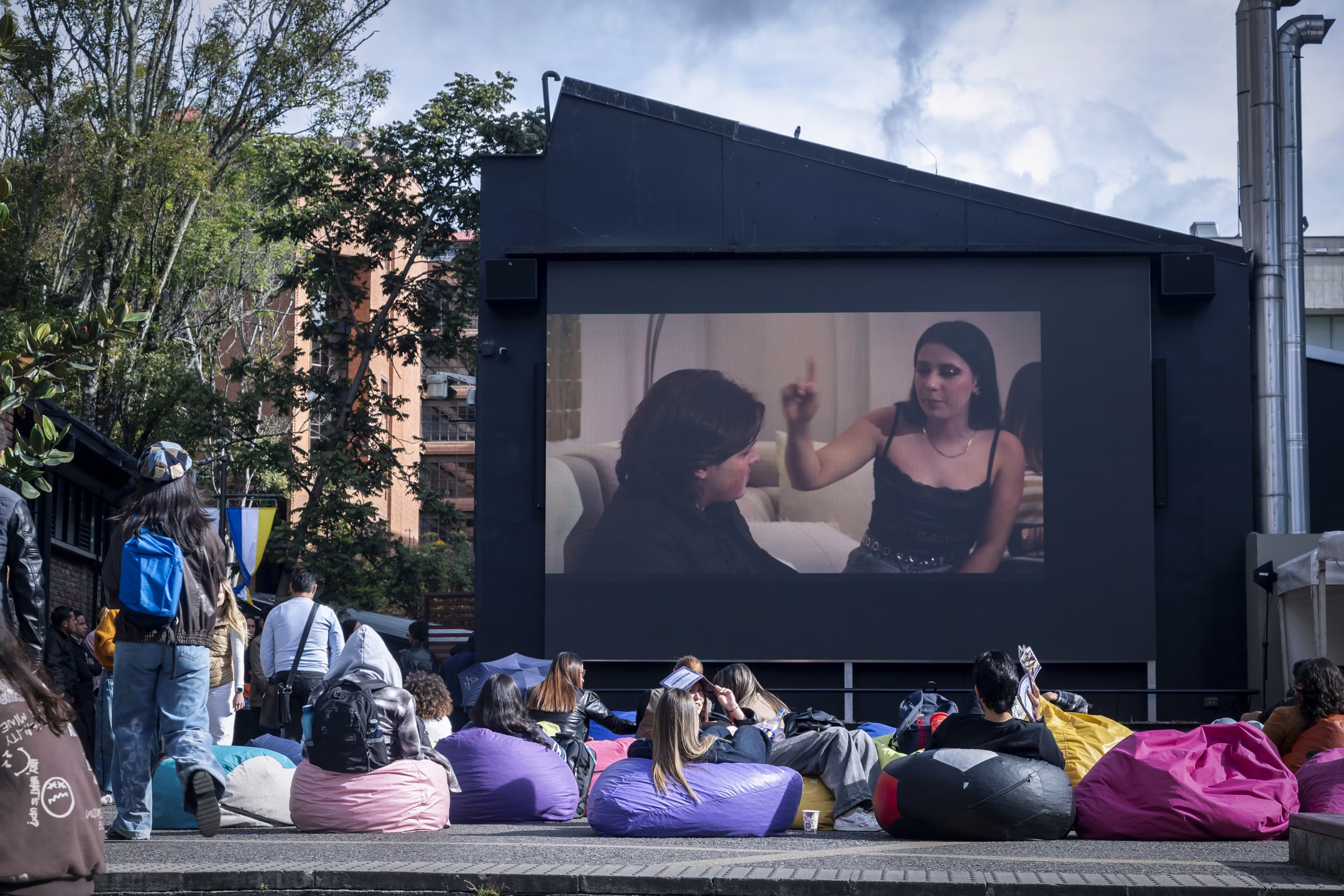
| Works well for | Text, data, and cameras viewed a few meters away | Large-scale continuous imagery, such as auditoriums and lobbies |
The decision depends on viewing distance, content type, the space’s light, and operating hours. In a control room, for example, legibility from the operator’s seat drives the choice; in an auditorium or a lobby, it’s the image’s size and continuity.
The video wall processor
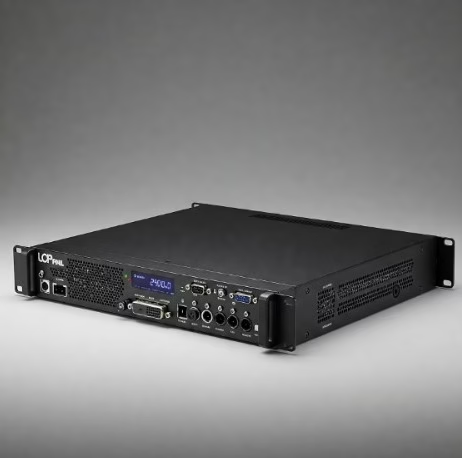
The video wall processor is the equipment that receives signals from different sources — computers, cameras, media players, or video conferencing systems — and distributes them across the set of screens as if they were one.
Compared with a direct or daisy-chained connection between screens, it gives you far more control over what’s shown and how.
Key idea
The processor decides which signal shows on each part of the wall, in which window, and at what size.
With a processor, you can open several sources at once, split the wall into windows, enlarge a specific area, and build asymmetric layouts. It also allows for growth: if the wall is expanded later, the right processor adapts without redesigning the whole system. When choosing one, four points are worth checking:
Compatibility
With the resolutions and formats of every source you’ll connect.
Low latency
Essential when the wall shows live cameras or video conferencing.
Simple control
An interface a non-technical user can run during an operation.
Integration
With automation systems such as Crestron, to run the room from a single panel.
Video wall control software
The software is what the operator uses every day to run the wall. We work with Polywall, software for controlling video walls and information displays in control rooms, conference rooms, and digital signage projects from a single interface.
- Sources
- Images, videos, live feeds, remote computers, documents, and web pages, in addition to physical video inputs.
- Preview
- A panel to prepare the layout before pushing it to the wall.
- Scenarios
- Programmed scenarios and saved layouts for each type of situation.
- Operators
- Multiple operators with different access permissions, and control from a mobile device.
What video wall installation looks like
- AssessmentWhat will be shown, from where it will be viewed, how many sources need to connect, and what infrastructure exists.
- DesignWall size, LED or LCD technology, support structure, cabling, and maintenance access, documented in drawings.
- Installation and calibrationMounting the structure and screens, aligning panels, and adjusting color and brightness so the wall looks uniform.
- ProgrammingConfiguring the processor, the control software, and the display scenarios.
- Training and after-sales supportTraining operators and preventive maintenance with agreed response times.
Video wall for control rooms and monitoring centers
In a room that runs continuously, the video wall can’t go dark. That’s why the design defines which components are duplicated, how each panel is accessed for repair, and how any source reaches the wall without the operator having to get up.
You may also be interested in
Frequently asked questions about video walls
How many screens does a video wall have?
Typically between two and sixteen, in symmetric or asymmetric layouts. The exact number comes from the available space, the viewing distance, and how many sources need to show at once.
What software is used to control a video wall?
Management software that works alongside the processor, letting you open sources in windows, save layouts, and program scenarios. In our projects we use Polywall, which also supports multiple operators with different permissions.
Can a video wall be expanded after installation?
Yes, if the design planned for it. The structure, cabling, and processor are chosen with that growth in mind, so panels can be added without redesigning the whole system.
Get a Quote for Your Video Wall Installation
Tell us where you’ll install the wall, what you need to show, and from what distance it will be viewed. With that information we propose the right technology, processor, and software, with the scope and installation schedule.
Request a Technical Consultation Message us on WhatsApp
Bogotá and Medellín · +57 301 656 9858