Corporate streaming needs six parts working together: cameras, audio, an encoder, a stable network, the streaming platform and a control system. This guide explains what each one does, how the system is built for each room size and what to check before going live.
At Integración AV we design and install these systems in auditoriums, boardrooms and training rooms for companies and universities, as part of our audiovisual integration services. If your space is an auditorium, see also our corporate and university auditorium solution.
Key takeaways
- Corporate streaming is made of video capture, audio, encoder, network, platform and control.
- Audio shapes the quality your audience perceives more than camera resolution does.
- A wired connection with reserved upload bandwidth prevents the most common dropouts.
- An installed, automated system lets your own team stream without hiring a production company for every event.
- The pre-broadcast checklist is the same for every stream.
Corporate streaming, hired production and videoconferencing
Corporate streaming is the live broadcast of a company event (an all-hands meeting, a launch, a training session or a conference) to an audience watching online or on the internal network. There are two ways to do it: hire a production company for each event or install the system in the room.
Videoconferencing is something else: a two-way meeting where remote participants speak and are seen. Many corporate events combine both, and the system has to be ready for each.
| Criterion | Hired production | Installed system | Videoconferencing |
|---|---|---|---|
| Typical use | Large, occasional events | Recurring events in the same room | Work meetings with remote participants |
| Who runs it | The production company and its crew | Company staff, from a control panel | The attendees themselves |
| Audience | Broad, one-way | Broad, one-way, with questions by chat | Small, two-way |
| What stays in the room | Nothing: the gear leaves | Cameras, audio, encoder and control | Camera, microphones and a codec or room PC |
What corporate streaming needs: the six components
Each component does a different job and none of them makes up for a weak one. This is the list we design from:
- Video capture
- PTZ cameras (motorized pan, tilt and zoom) that move to saved positions or follow the speaker automatically. In auditoriums they are combined with the presenter’s computer feed. We work with Sony and Laia cameras.
- Audio
- Microphones suited to the room (handheld, lavalier, table or ceiling), a digital signal processor (DSP) that controls echo and levels, and a dedicated mix for the stream. We work with Shure microphones.
- Encoder
- Turns video and audio into a compressed signal that travels over the internet using protocols such as RTMP or SRT. It can be a dedicated device or a computer with production software, depending on how many cameras and sources are mixed.
- Network
- A wired connection with upload bandwidth reserved for the stream, configured together with the IT team. This is where improvised streams fail most often.
- Platform
- Where the signal goes: YouTube, Vimeo, Microsoft Teams, Zoom or the company intranet. The choice depends on whether the event is public or internal and whether the audience needs to interact.
- Control
- A processor and a touch panel that power up the system, load the streaming scene and get everything ready with one touch. Here we work with Crestron.
System layouts by room size
The same six-part design is sized differently for each room. These are the four setups we are asked for most:
Boardroom
A PTZ camera or video bar, table or ceiling microphones, and streaming from the room’s own codec or computer.
Training room
Two cameras (presenter and attendees), a lavalier microphone, microphones for questions and a recording for those who could not attend.
Auditorium
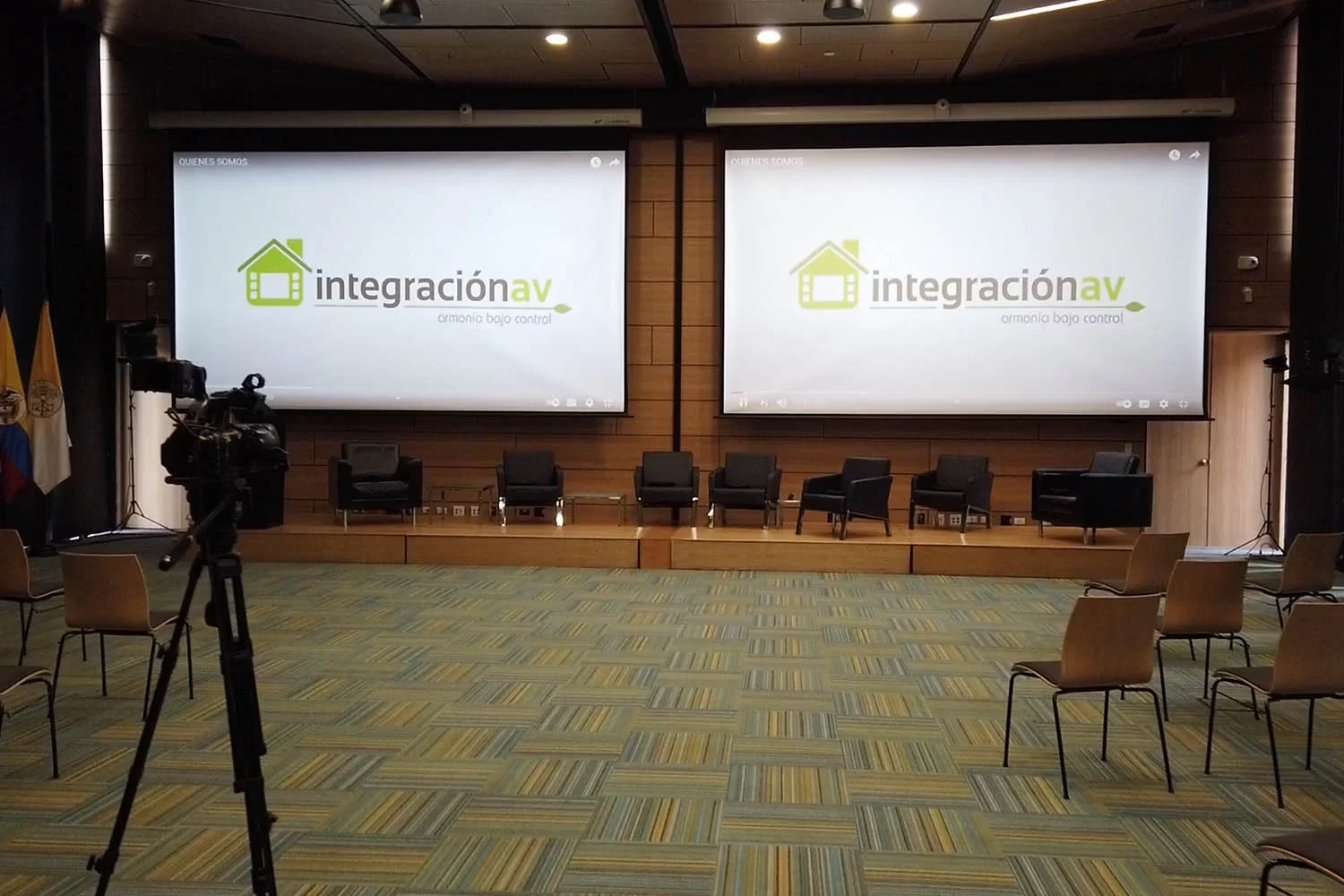
Three or more cameras with saved positions, a professional audio mix, a dedicated encoder and an operator position by the booth.
Event hall
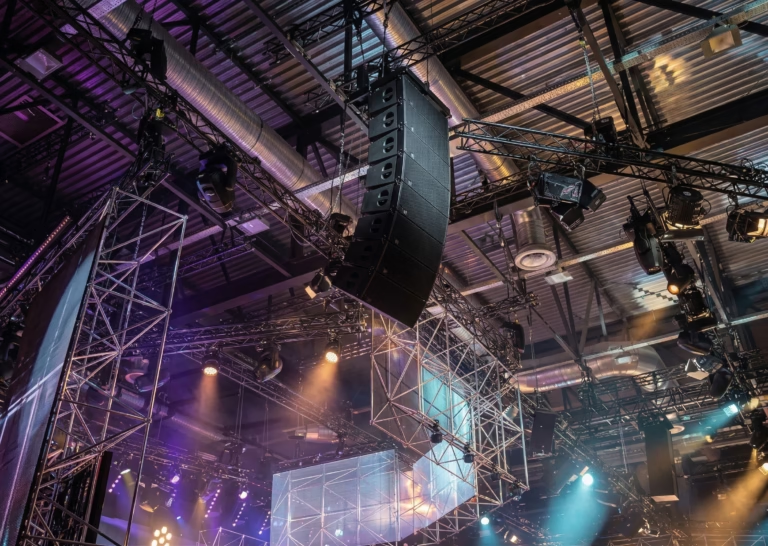
A setup that changes with every event: connection points on stage and floor, cameras that can be moved and control from a portable panel.
If the room is also used for meetings with remote participants, streaming and videoconferencing should share cameras and microphones. That is how we design videoconference rooms for businesses and smart boardrooms.
Audio: the first thing your audience notices
A good picture with poor audio makes people leave the stream; the opposite is usually tolerated. That is why audio is designed before video.
- The right microphone for each use
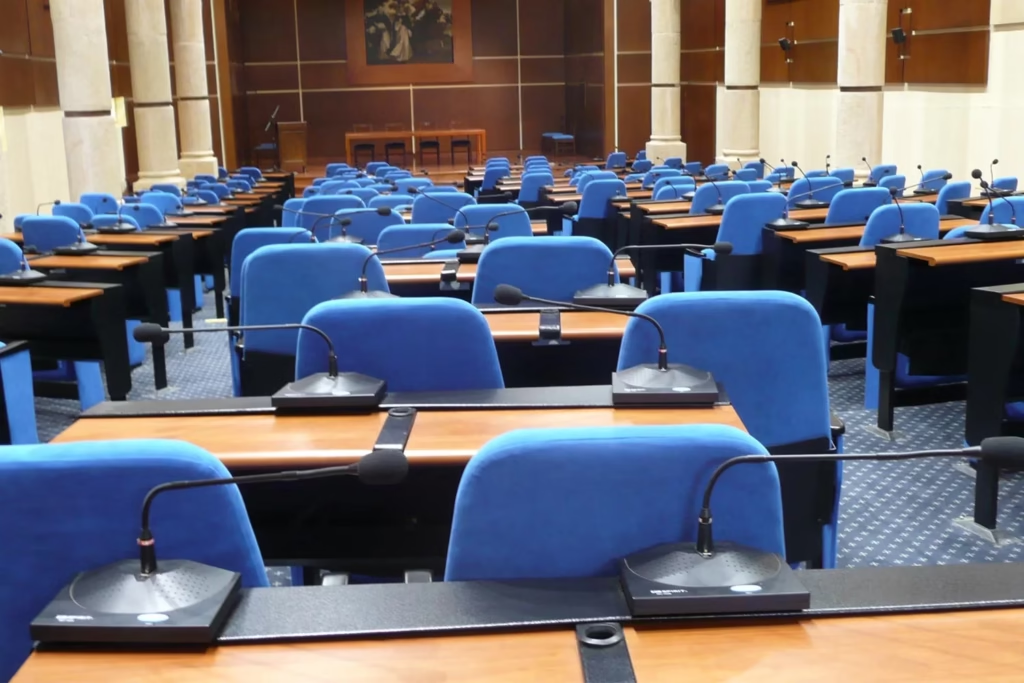
- Lavalier or headset for presenters who walk, handheld for questions, table or gooseneck for panels and ceiling microphones for meeting rooms.
- Processing
- A DSP equalizes, controls echo and keeps the loudspeaker sound from feeding back into the microphones.
- A mix for the stream
- The remote audience needs a different mix from the room: without loudspeaker reinforcement and with steady levels.
Room sound matters too, because the people in the room are part of the event. In auditoriums we handle it with Powersoft amplification and Fohhn loudspeakers. See more about sound and professional audio for businesses.
Network and platform: the part nobody sees
The stream leaves through the company network, so the IT team takes part from the design stage. The minimum is a wired connection (not Wi-Fi), upload bandwidth reserved for the event and the ports the encoder’s protocol needs.
A practical rule: available upload should be at least twice the bitrate set on the encoder. That margin absorbs network variations without cutting the signal.
RTMP and SRT
RTMP is the protocol most platforms accept. SRT handles packet loss better and is used to send the signal between sites or to a server over less stable networks.
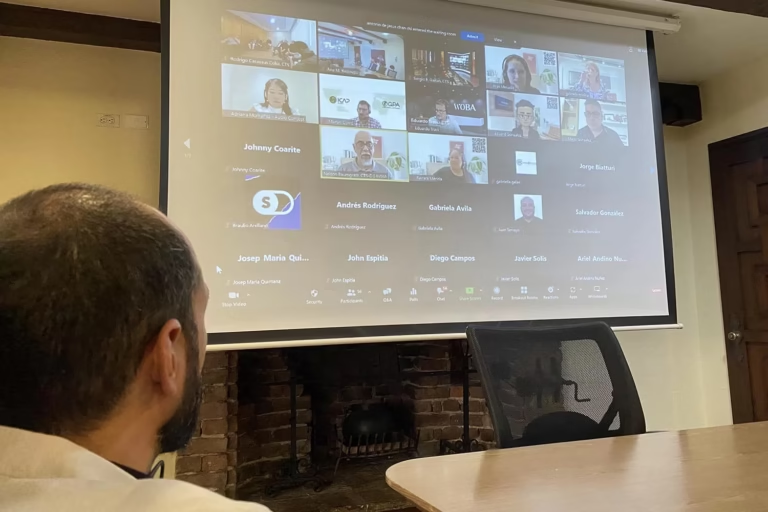
The platform depends on the event: YouTube or Vimeo for public events, and Microsoft Teams, Zoom or the intranet for internal communications with controlled access. As Microsoft Teams Rooms and Zoom Rooms partners, we integrate those platforms with the room control.
Control: a stream that starts with one button
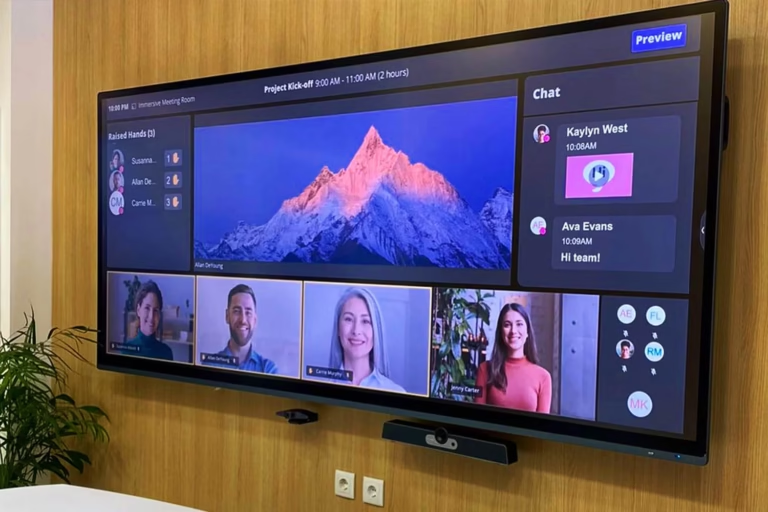
In an installed system, nobody should be plugging in cables before each event. A Crestron control processor stores scenes: touching “Stream” on the panel turns on the cameras, loads their positions, opens the microphones, sets the lights and starts the encoder.
That lets the communications or IT team run the stream without a production technician in the room. We are Crestron Master Gold, a Crestron Service Provider and a Crestron distributor in Colombia, and we handle the Crestron programming of every scene for each room.
Key idea
Automation makes every stream start the same way, no matter who is on duty that day.
Pre-broadcast checklist
This list works for any corporate stream, with or without an installed system. Keep it with the room manual.
- One week beforeChoose the platform, link, privacy settings and who moderates questions. Ask presenters for their slides in the room’s format.
- One day beforeRun a full test on the real platform: cameras, microphones, presentations and one viewer connected from another network.
- One hour beforePower up the system, check upload speed, replace wireless microphone batteries and confirm local recording is on.
- Fifteen minutes beforeStart the stream with a holding slide, check audio and video from a phone outside the company network and open a chat channel with the moderator.
- When it endsClose the stream on the platform, download the recording, shut the system down from the panel and log any issue for maintenance.
Common corporate streaming mistakes
Streaming over Wi-Fi
The signal competes with attendees browsing at the same event. The encoder always goes on a cable.
Using the camera microphone
It picks up room echo and audience noise. Audio should come from the mix, not the camera.
Not testing the real platform
A local test will not show delays, account limits or link privacy problems.
A screen behind the speaker
The camera exposes for the screen and the person looks dark. Speaker lighting is planned with the camera.
No backup recording
If the platform fails, a local recording lets you publish the full event later.
One person doing everything
Whoever runs the system cannot moderate the chat at the same time. Keep those two roles separate.
How Integración AV integrates it
An installed streaming system is an integration project: its value lies in cameras, audio, network and control working as one system. We do it in five steps: site survey, design with drawings, installation, control programming and training for the people who will run it, followed by preventive maintenance.
We also check which existing equipment can be reused. If the projection, audio or cameras are in good condition, they are integrated into the new system instead of being replaced.
| Layer | Brands | What it adds to the stream |
|---|---|---|
| Control and automation | Crestron | One-touch scenes, control of cameras, audio and lighting, and audio and video distribution in the room. |
| Cameras | Sony · Laia | PTZ cameras and cameras with automatic speaker tracking. |
| Microphones | Shure | Wireless, table, ceiling and array microphones. |
| Presentation | Mersive Solstice | Presenters share their screen without cables and that image goes into the stream. |
| Remote participation | Cisco · Poly | Videoconferencing for hybrid events, with Microsoft Teams Rooms and Zoom Rooms. |
| Room sound | Powersoft · Fohhn | Amplification and loudspeakers for the audience in the room. |
| Small rooms | MaxHub | All-in-one panels with built-in camera and microphone. |
Real project
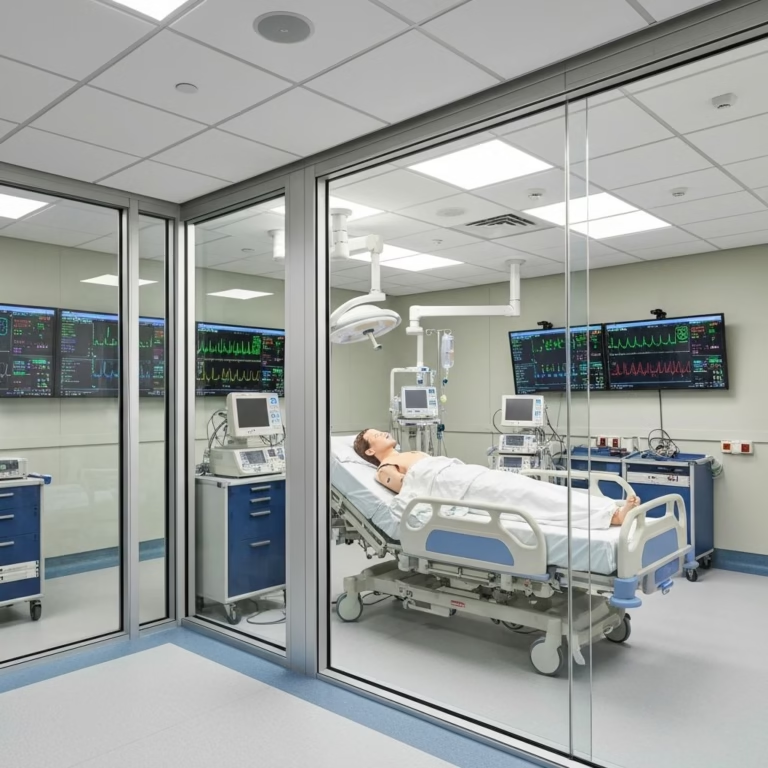
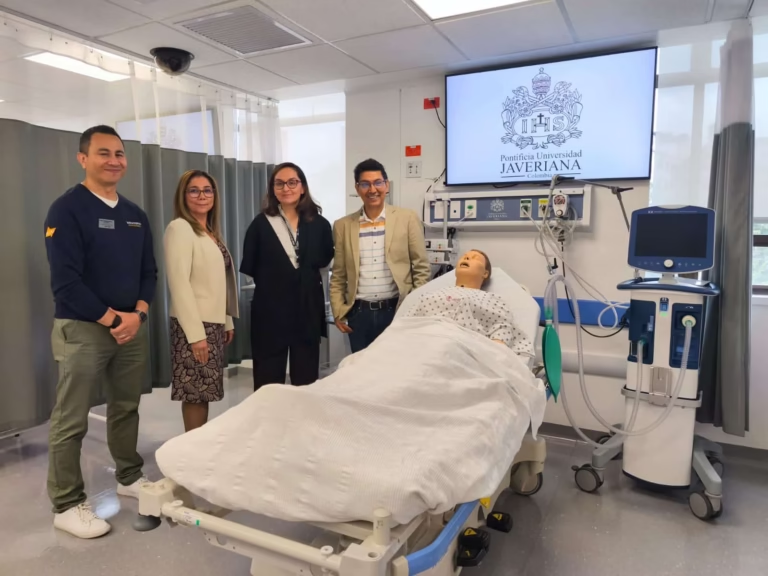
At the Clinical Simulation Center of Pontificia Universidad Javeriana, twenty spaces have networked cameras and microphones that record and stream every practice session. The system uses Crestron control, Shure microphones over Dante and AREC capture equipment, and it won an AV Awards Americas 2025. See the full case.
You may also be interested in
Corporate and university auditoriums · Videoconference rooms for businesses · Sound and professional audio for businesses · Audiovisual integration services
Corporate streaming FAQ
What equipment does a company need for streaming?
Cameras (ideally PTZ), microphones with an audio processor, an encoder, a wired connection with reserved upload bandwidth, a streaming platform and, in installed systems, a control that powers everything up with one scene. How much of each depends on the room.
What is the difference between streaming and videoconferencing?
Streaming is one-way: the audience watches and listens, and at most types questions. Videoconferencing is two-way: remote participants speak and are seen. The same room can do both if they share cameras and microphones.
Can we stream from an existing boardroom or auditorium?
Yes. During the site survey we check which equipment can be reused (projection, audio or cameras) and what is missing to stream. Reusing what is in good condition lowers the project cost.
Who runs the stream once the system is installed?
Company staff, from a touch panel programmed with scenes. When we hand over the system we train the people who will run it and the technology team.
Do you install streaming systems in Bogotá and Medellín?
Yes. We have offices in Bogotá and Medellín and cover the rest of Colombia with our own technicians and partners.
Let’s design the streaming system for your space
The first conversation is a technical consultation: we review the room, the equipment you already have and the events you want to stream. Then we send you a proposal with scope and schedule.
Request a technical consultation Message us on WhatsApp
Bogotá and Medellín · +57 301 656 9858