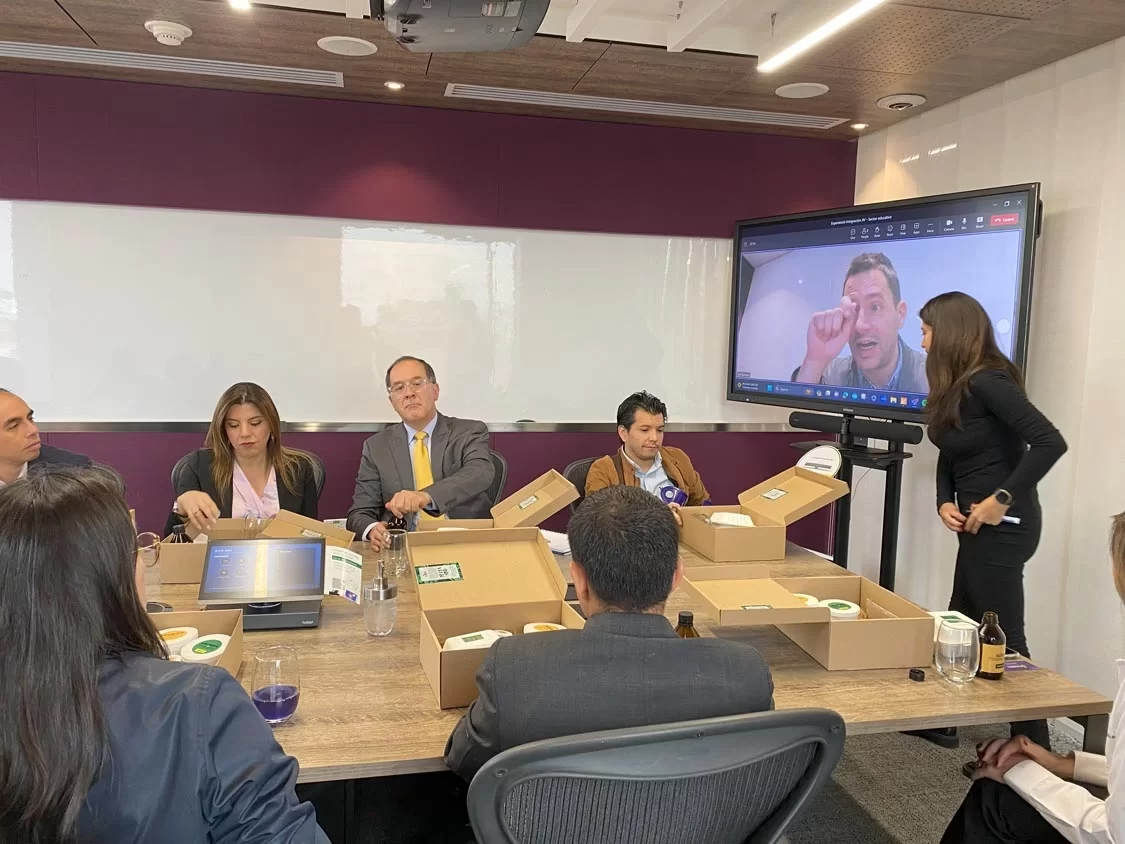
Crestron video conferencing combines the brand’s conferencing systems with its control platform: the meeting on Microsoft Teams or Zoom, the cameras, the audio, the screen, and the lighting all respond to the same panel. At Integración AV we design and program it as a Crestron Service Provider.
We are a Crestron distributor in Colombia and our team holds Crestron Master Gold certification. This page explains what sets a Crestron room apart. If you’re looking for the complete solution, see video conference rooms for companies.
Three features of Crestron video conferencing
- Unified control
- A touch panel starts the call, selects the source, and adjusts the room’s lighting, shades, and climate. Nobody has to operate each device separately.
- Systems for Teams and Zoom
- The Crestron Flex line brings together video bars, cameras, and consoles built for Microsoft Teams Rooms and Zoom Rooms, so the room connects to whatever platform the company already uses. We are Microsoft Teams Rooms and Zoom Rooms partners.
- Remote room management
- Crestron’s management software lets the IT team monitor, diagnose, and update equipment across every room with no need to travel.
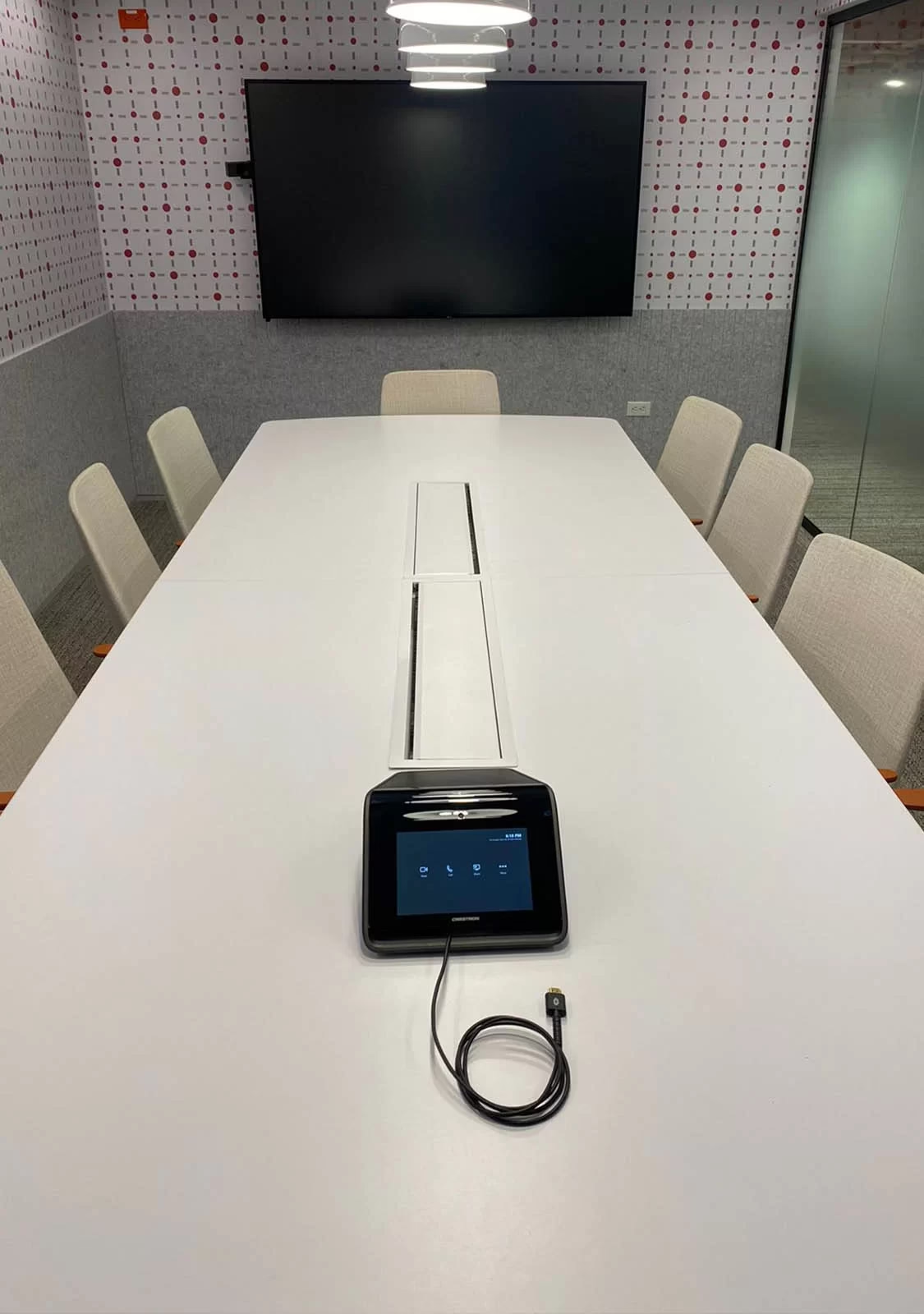
A room run from a single panel
Press the meeting button and the screen turns on, the session opens on the platform, the microphones activate, and the camera frames the participants. When the meeting ends, the room shuts itself down instead of running unused.
That behavior isn’t factory-set: it’s programmed. We build it as part of our Crestron and AMX programming service.
What equipment makes up a Crestron video conference room
Flex bars and systems
The equipment that runs Teams Rooms or Zoom Rooms, with camera and audio built in for small and medium rooms.
Cameras
With automatic framing or speaker tracking, from Crestron, Laia, or Sony, depending on the room size.
Audio
Table or ceiling microphones, such as Shure’s, with a processor that cancels echo and levels voices.
Control
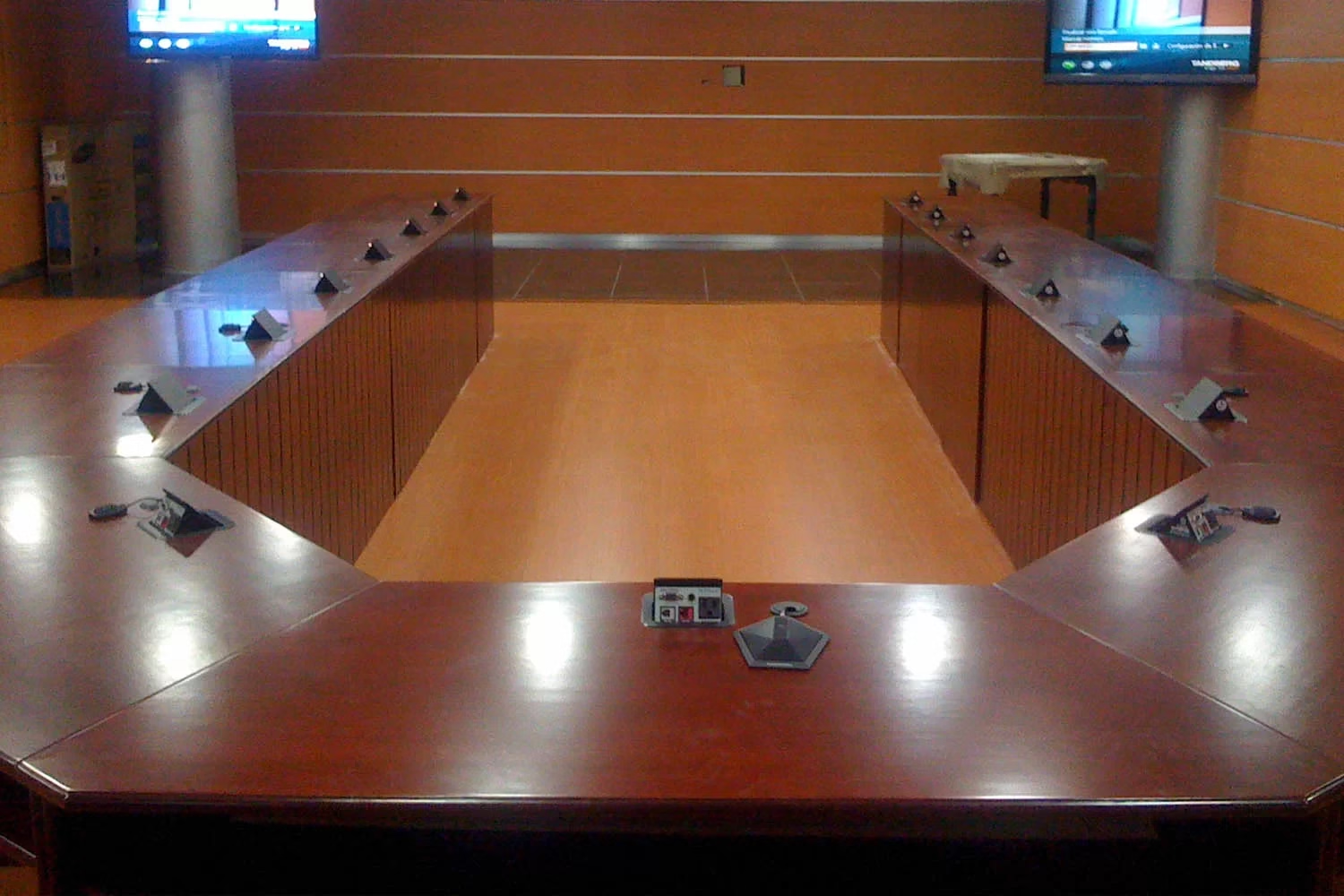
A touch panel and Crestron processor that coordinate the meeting with lighting, shades, and projection.
Key idea
The same Crestron equipment behaves differently depending on how the room is programmed. That’s why every button is agreed with the client before a single line of code is written.
What to define before designing the room
Design starts with understanding how the space is used. A boardroom isn’t the same as a hybrid classroom or a training room, even though all three include video conferencing.
- The platform: whether the company works on Microsoft Teams, Zoom, or Google Meet, and whether the room needs to accept meetings from other platforms.
- Audio coverage: how many seats there are, what the table is like, and how reverberant the room is.
- Camera type: automatic framing for groups, or speaker tracking when someone presents standing up.
- What’s controlled besides the meeting: lighting, shades, projection, or climate.
Those four answers determine the Flex system, the microphone type, and the programming scope. The design is documented in drawings and diagrams before programming, so the room’s logic isn’t worked out on-site.
Where it’s used
It’s used in boardrooms, directors’ rooms, and corporate training spaces, as well as in hybrid classrooms and university auditoriums. When video conferencing goes together with lighting, shades, and projection, the solution is one of our smart boardrooms.
If your company works with equipment from other brands, we also integrate rooms with Cisco and Poly and combine manufacturers in a single video conferencing system.
Frequently asked questions about Crestron video conferencing
What is Crestron Flex?
It’s Crestron’s line of conferencing systems for meeting rooms: video bars, cameras, and consoles built for Microsoft Teams Rooms and Zoom Rooms. It integrates with the room’s Crestron control so the meeting and the rest of the equipment respond to the same panel.
Does Crestron work with Microsoft Teams and Zoom?
Yes. Crestron Flex systems run Microsoft Teams Rooms and Zoom Rooms, and Crestron control can also integrate with rooms using other platforms. The configuration is defined during design based on your company’s platform.
Can you program an existing Crestron room?
Yes. We review the programming and installed equipment, keep what’s in good condition, and build the new logic. The scope is defined during a technical site visit.
Let’s Program Your Crestron Video Conference Room
During the technical consultation we review your room, the platform you use, and the equipment you want to integrate. From there we prepare a proposal with scope, programming, schedule, and support.
Request a Technical Consultation Message us on WhatsApp
Bogotá and Medellín · +57 301 656 9858