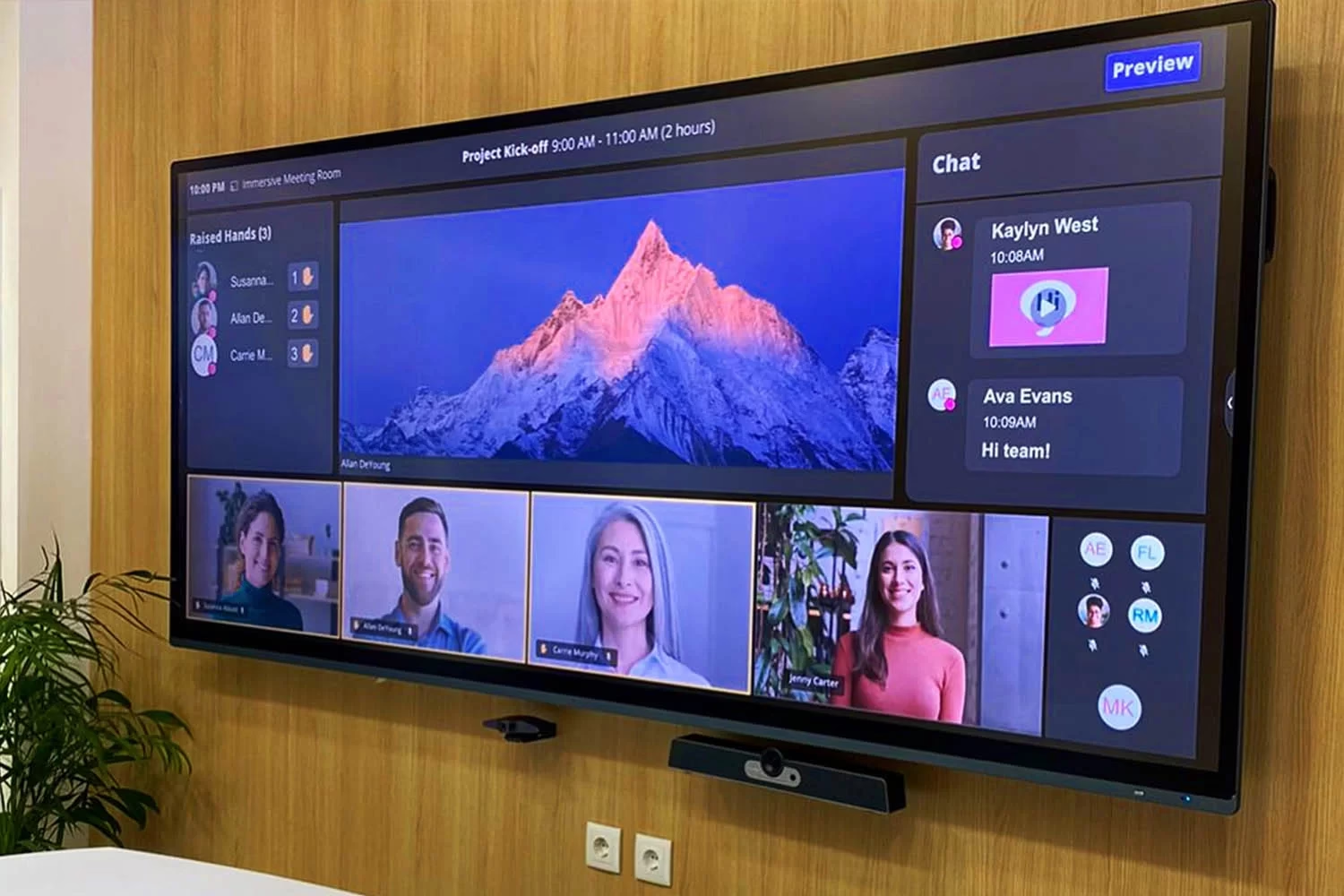
A video conferencing system for companies is the set of camera, microphones, audio processor, screen, codec, and control that connects a room with Microsoft Teams, Zoom, or Google Meet. It’s chosen based on the number of seats, the platform the company already uses, and who will manage the rooms.
At Integración AV we’ve designed, programmed, and maintained these systems since 2006 for companies in Bogotá, Medellín, and the rest of Colombia. This guide explains what equipment a system includes, what setups exist, and how to choose. If what you need is the full room, with acoustics, furniture, and automation, see video conference rooms for companies.
In short
- The platform (Teams, Zoom, or Meet) is licensed per user; the system is the equipment installed in the room.
- There are three setups: a room dedicated to one platform, a BYOD room with the user’s own laptop, and a mixed room.
- The number of seats determines the camera and microphones; everything else is built around those two.
- Remote management and support decide how much it costs to run the rooms once they’re installed.
What a video conferencing system includes
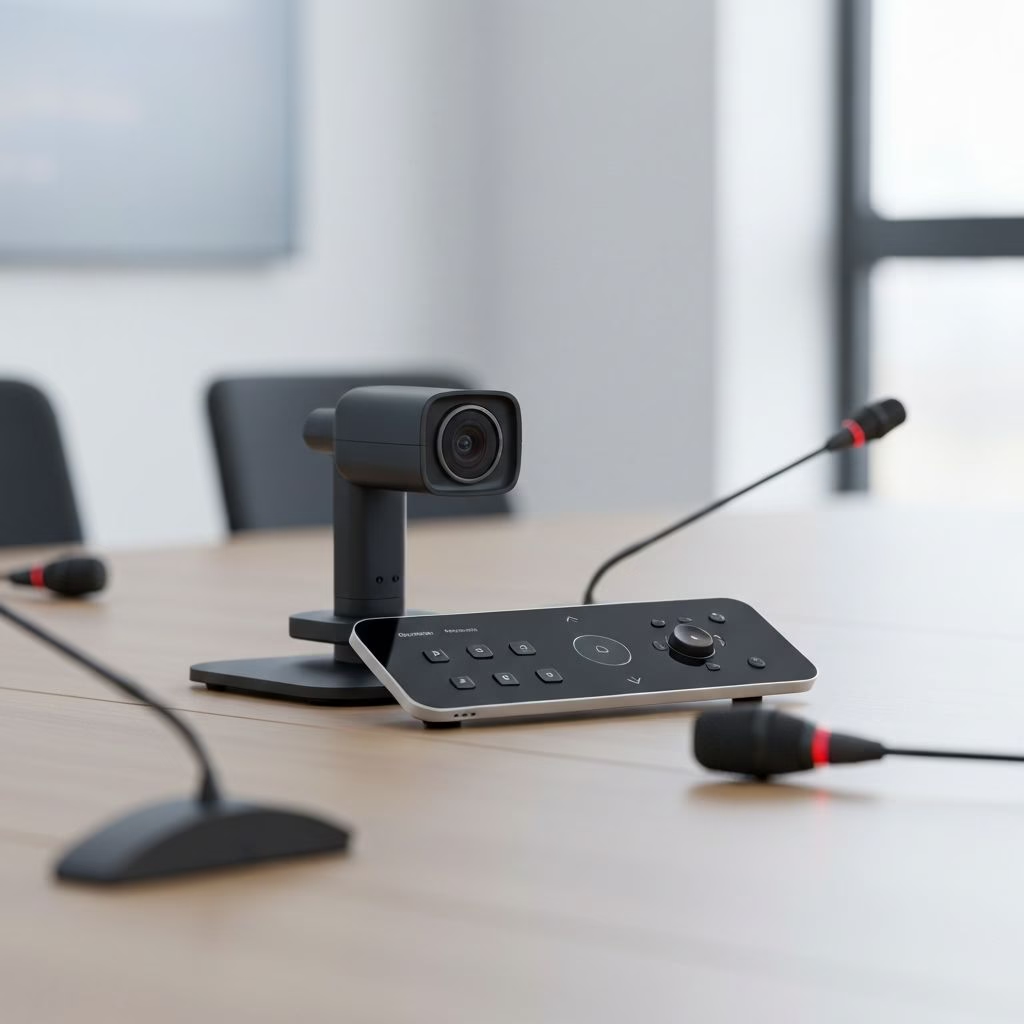
A room system isn’t a big webcam. Every component does a specific job, and all of them are configured to work together, so the meeting starts with one button and sounds complete on the other end.
The exact scope is defined during the technical site visit. These are the six components we review in every project.
- Camera
- Full HD at minimum, 4K in large rooms. From a medium room up, automatic framing — which detects how many people are present and adjusts the shot — and optical zoom are worth having.
- Microphones
- Table, ceiling, or array, depending on the table size. They need to cover every seat, not just the center.
- Audio processor (DSP)
- Cancels echo, removes feedback, and levels voices so the remote participant hears everyone at the same volume.
- Screens
- One for remote participants and, in medium and large rooms, another for shared content. Size is calculated by viewing distance.
- Codec or room computer
- The equipment that runs the platform and sends the room’s audio and video into the meeting. It can be dedicated equipment or the user’s own laptop.
- Control and presentation
- A touch panel starts the meeting and selects the source. For cable-free screen sharing we work with Mersive Solstice, for which we are a distributor in Colombia.
Technical note
Digital zoom just enlarges pixels; optical zoom brings the image closer with no loss of detail. In medium and large rooms, it’s the camera spec that most changes what the remote participant sees.
Three system setups: dedicated, BYOD, or mixed
The first decision isn’t the brand, but how the meeting will start. That determines which computer runs the platform and how much work the room leaves for the IT team.
| Aspect | Dedicated room | BYOD | Mixed room |
|---|---|---|---|
| How the meeting starts | From the room panel, with the room account’s calendar | The user connects their laptop by USB or wirelessly | From the panel, or with a guest’s laptop |
| Which platform it uses | Just one per room: Microsoft Teams Rooms, Zoom Rooms, or the codec manufacturer’s own | Whatever is on the organizer’s laptop | The company’s on the room equipment, and any other from a laptop |
| When it’s worth it | Daily-use rooms with internal meetings and a shared calendar | Small rooms or meetings with clients who bring their own platform | Corporate rooms hosting both internal and external meetings |
| What it requires from IT | Room accounts, room licenses, and centralized updates | Little administration, but the room depends on each laptop | Both, with a setup that keeps them separate |
In the projects we design, the decision comes down to two questions: which platform the company uses, and who organizes most of the meetings. Those answers define the room equipment before we choose brands.
What system fits each room size
Small room, 2 to 6 seats
A video bar with a wide-angle camera and built-in microphones. Works as BYOD or as a dedicated room with a compact computer.
Medium room, 6 to 14 seats
A PTZ camera with automatic framing and optical zoom, table or ceiling microphones, and an audio processor.
Large or boardroom-style room
Over 14 seats: a speaker-tracking camera, ceiling microphones, zoned audio, and two screens.
Acoustics matter as much as seat count: a room with glass and a hard floor needs treatment before adding equipment. We cover the full room design in video conference rooms for companies in Bogotá and Medellín.
Brands we integrate video conferencing systems with
The brand is chosen per project and on technical merit. We integrate codecs and room systems from Cisco and Poly, conferencing and control systems from Crestron, Shure microphones, and Sony and Laia cameras.
We are Cisco and Poly distributors, Microsoft Teams Rooms and Zoom Rooms partners, Crestron Master Gold and a Crestron Service Provider, and we hold AVIXA’s CTS certification. That lets us combine equipment from several brands in one system and program it so the user operates it with no help.
What to evaluate before choosing the system
Compatibility
With the company’s platform, with users’ laptops, and with the equipment already in the room that can be reused.
Security
Dedicated room accounts, up-to-date manufacturer updates, and equipment on a network separate from users’ own.
Remote management
Monitoring the status of cameras, microphones, and panels to diagnose a failure without going up to the room.
Scalability
The same standard across every room and site, so users find the same experience everywhere.
How we implement a video conferencing system
- AssessmentWe visit the rooms, measure, check the network and acoustics, and identify equipment that can be kept.
- DesignWe define the system setup, the equipment, and where each piece goes, with drawings and diagrams before installation.
- Programming and installationWe install and program the control so the meeting starts with one button on the company’s platform.
- Training and supportWe hand over the room working, train users and IT, and leave support in place with agreed response times.
Frequently asked questions about video conferencing systems
What is a video conferencing system?
It’s the equipment installed in a room so several people can join a remote meeting: camera, microphones, audio processor, screen, a codec or computer that runs the platform, and a control to operate it. The platform, such as Teams, Zoom, or Meet, is the software; the system is what makes that software work for a group.
What’s the difference between a room with Microsoft Teams Rooms and just connecting a laptop?
In a room with Teams Rooms, or Zoom Rooms, the room’s equipment runs the platform and the meeting starts from the panel, with no laptop needed. In a BYOD room, the user connects their laptop and the meeting runs on it. The first is more stable for daily use; the second is more flexible for meetings on outside platforms.
How much does a video conferencing system for companies cost?
It depends on the room size, the setup chosen, the camera and audio the space requires, and how much existing equipment can be reused. We don’t publish prices because every room is different. After the technical site visit we deliver a proposal with scope, schedule, and support model.
Can the equipment the company already has be reused?
Yes, when it’s in good condition and compatible with the setup chosen. During the assessment we check screens, cameras, microphones, and cabling, and only replace what doesn’t meet the requirements. Sustainability starts with not replacing what still works.
Let’s Design Your Company’s Video Conferencing System
During the technical consultation we review your rooms, the platform you use, and the equipment that can be reused. From there we prepare a proposal with scope, drawings, schedule, and support.
Request a Technical Consultation
Message us on WhatsApp
Bogotá and Medellín · +57 301 656 9858