An immersive boardroom is a meeting room where the image fills a large part of the field of view — a large-format LED screen, a video wall, or large-scale projection — and the audio supports that image. It’s used so a group can review a project, a model, or a set of data together without individual headsets.
The difference from a conventional boardroom isn’t in the control or the video conferencing, which can be the same, but in the size and purpose of the image. This guide explains what it is, which companies it makes sense for, and what technologies make it up. If you’re looking for the general meeting-room solution, start with smart boardrooms.
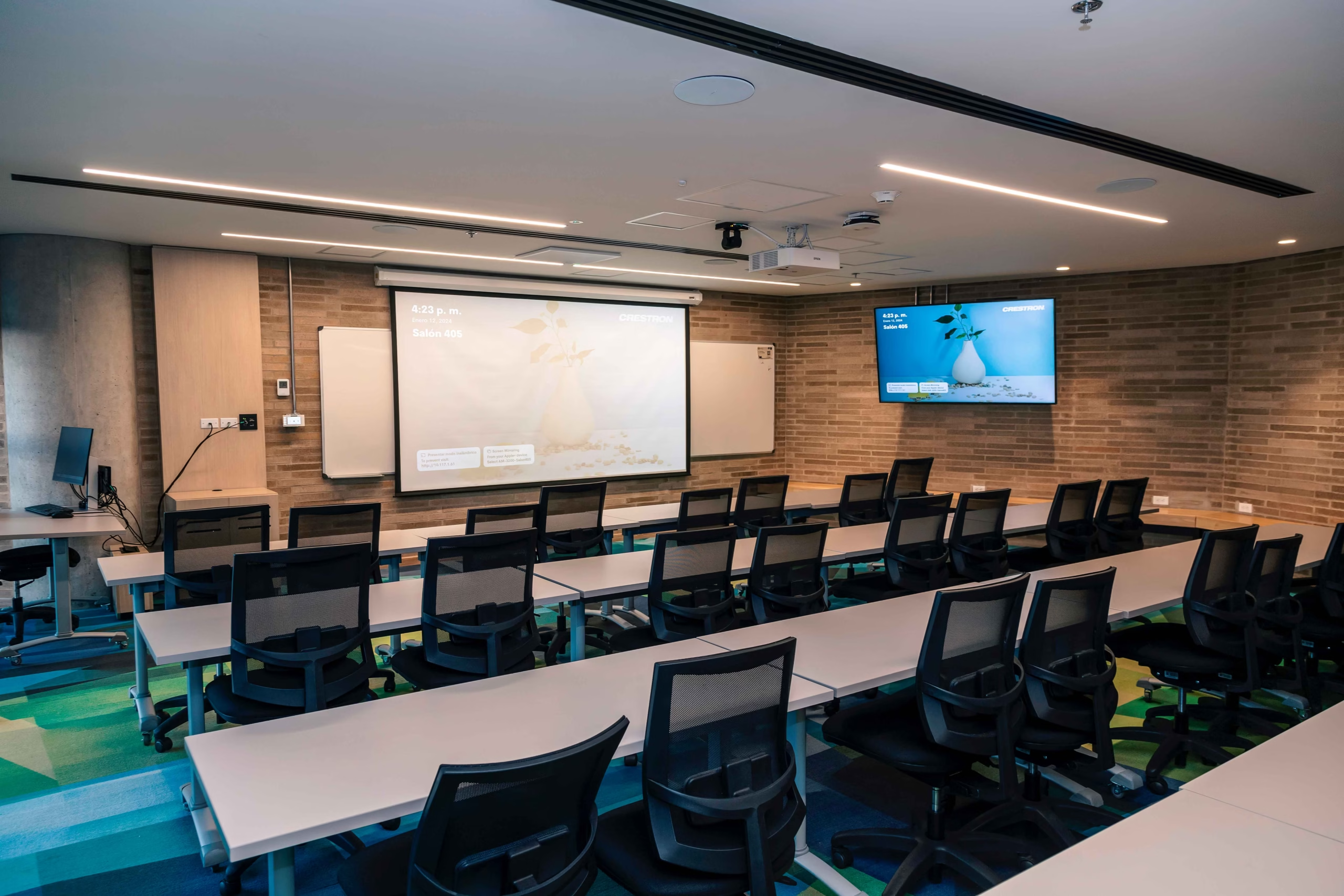
How it differs from other meeting rooms
| Conventional boardroom | Smart boardroom | Immersive boardroom | |
|---|---|---|---|
| Image | A screen or a projector | Screen or interactive monitor integrated with control | Large-format image surface: LED, video wall, or projection |
| Audio | TV or projector speakers | Room audio and microphones for hybrid meetings | Distributed audio that follows the image throughout the space |
| Control | One control per device | A single panel with scenes | A single panel with scenes and content selection |
| Typical use | Internal meetings | Internal and hybrid meetings | Project reviews, client presentations, and training |
Who it makes sense for
An immersive room is worth it when the meeting revolves around something that needs to be seen in detail and as a group. These are the most common cases:
- Engineering, construction, and infrastructure
- Reviewing drawings, 3D models, and virtual walkthroughs of a project with the client or contractors.
- Architecture, design, and real estate
- Presenting projects to clients who can’t yet visit the space. A to-scale walkthrough communicates more than photos or a 360° tour on a laptop.
- Bids and sales proposals
- Presentations where the client needs to grasp the proposal in a few minutes.
- Training
- Spaces where a group learns from visual content: processes, simulations, or technical material.
- Operations and data analysis
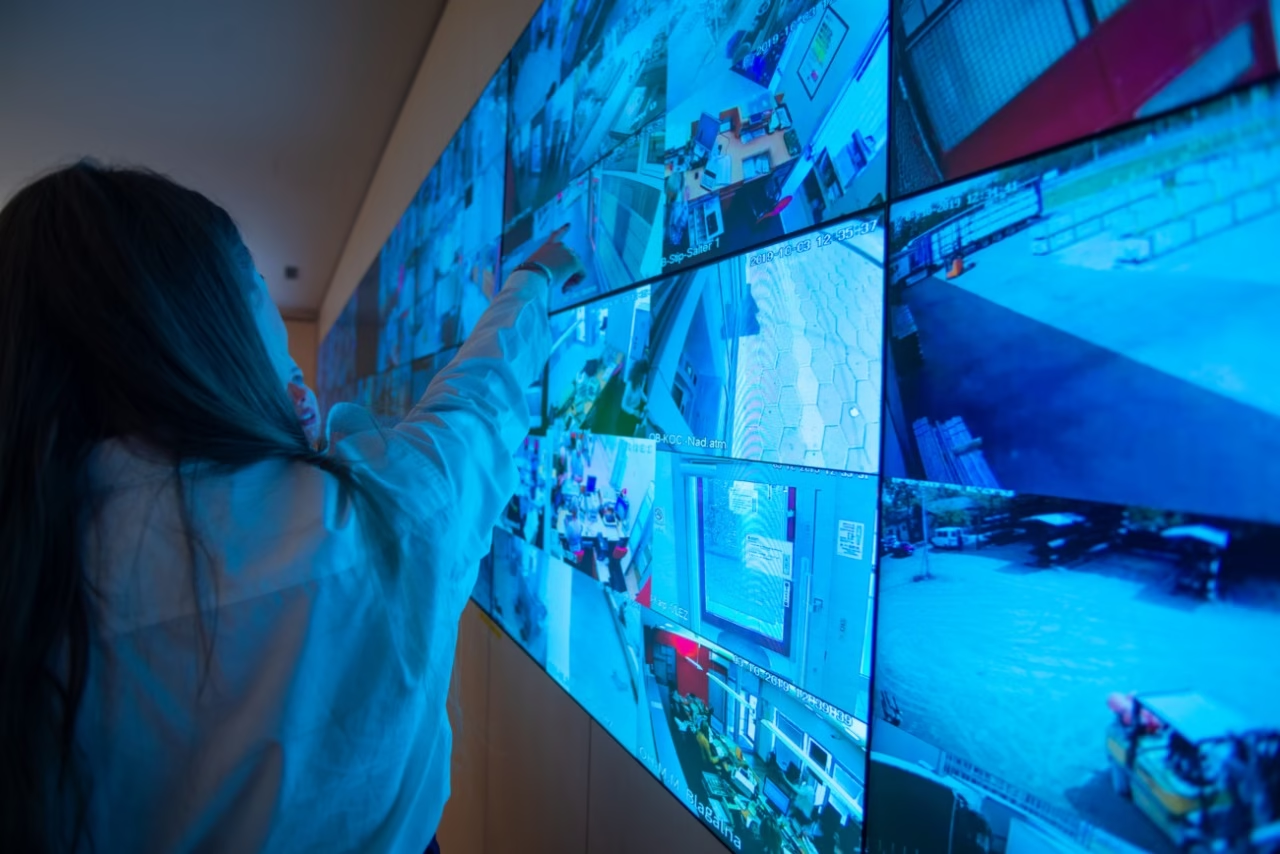
- Rooms where a committee reviews dashboards and indicators in real time. In that case the solution is closer to a monitoring and control center.
If most of your meetings are status updates or video calls, an immersive room adds little. In that scenario, it’s more worthwhile to invest in audio, cameras, and control.
What technology makes up an immersive boardroom
Image surface
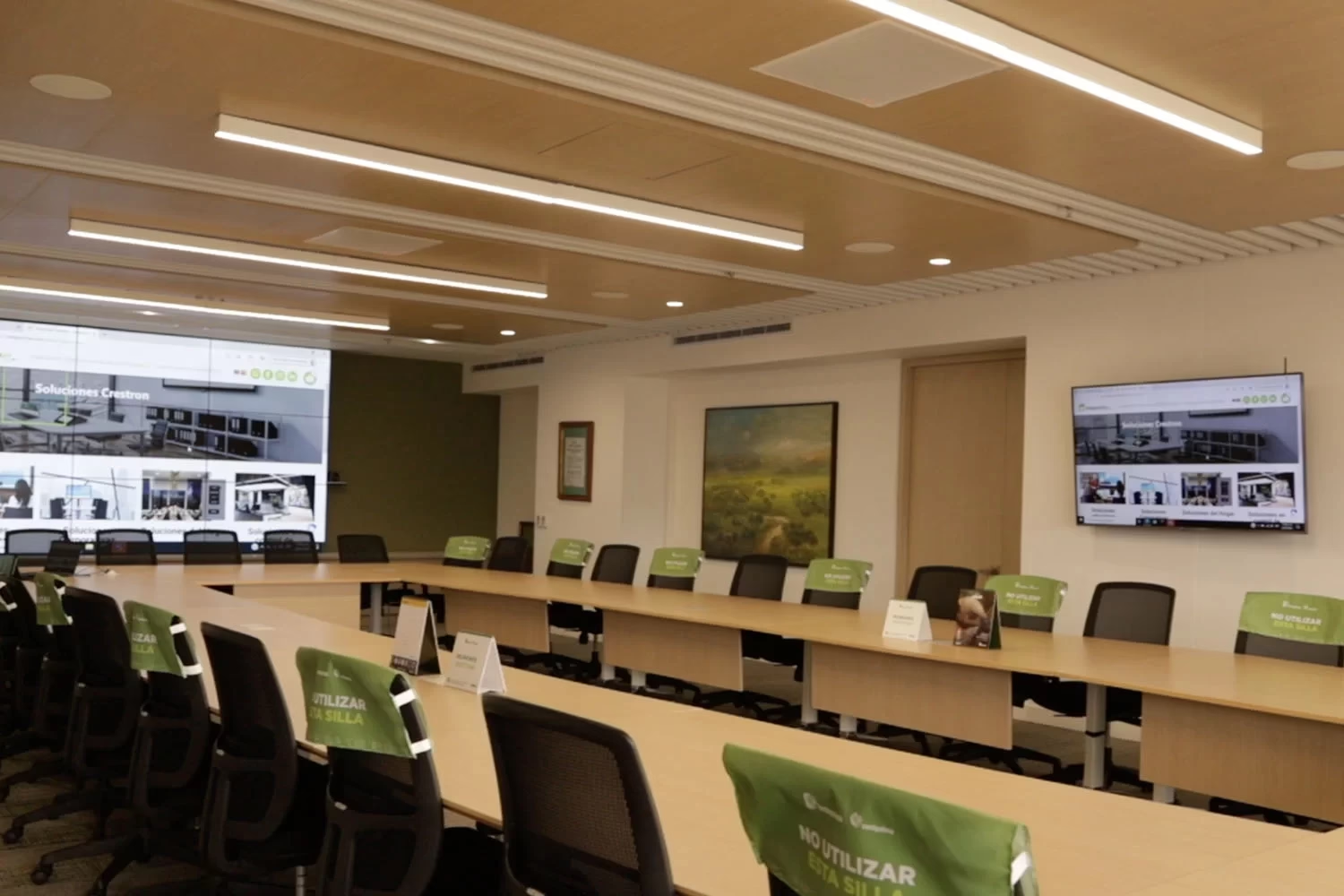
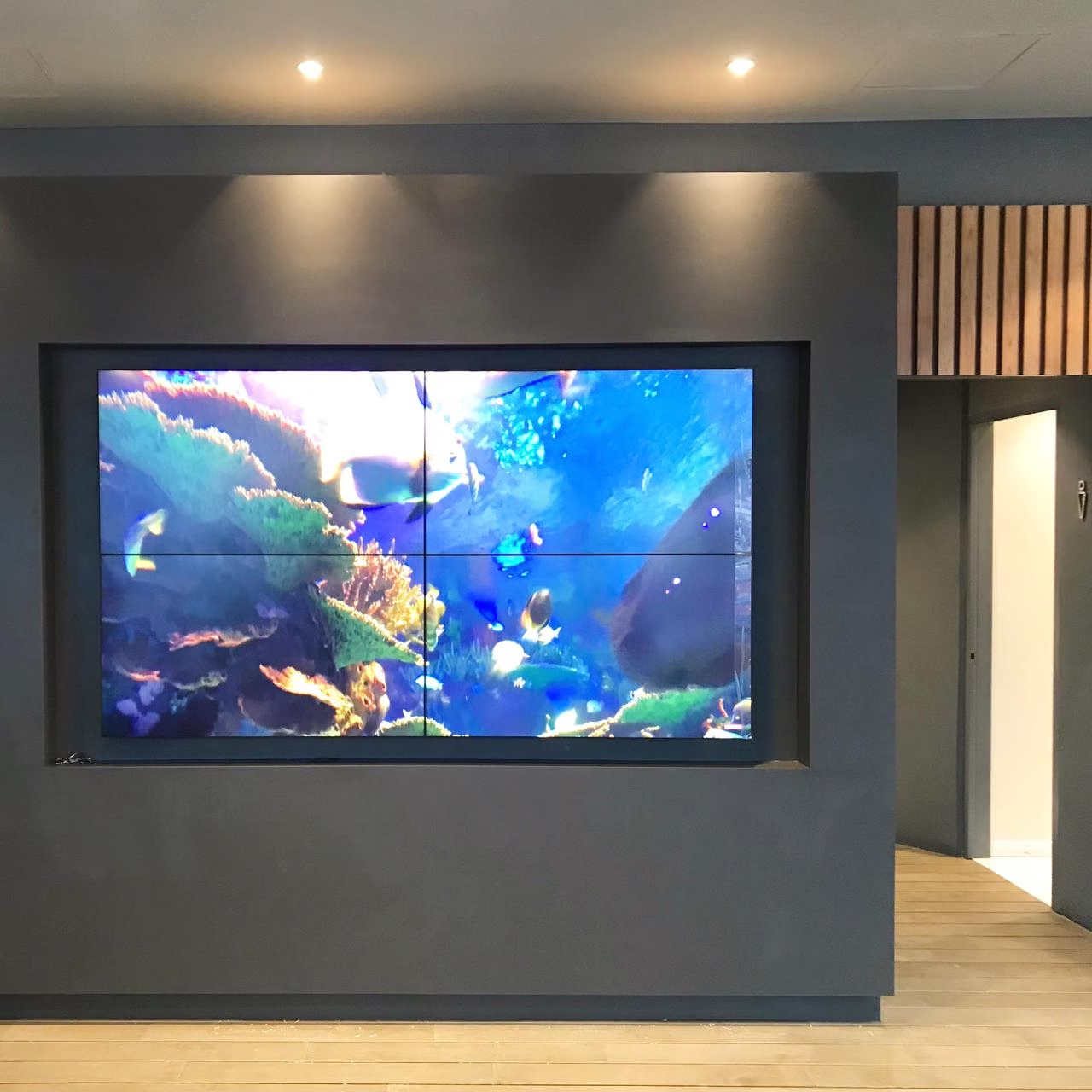
It’s the center of the room. The main options are a large-format LED screen, which has no bezels between modules and holds its brightness in ambient light; a video wall of panels, which can show several sources at once; and large-format projection. The choice depends on wall size, viewing distance, room light, and content. When the solution is a video wall, the process is similar to a video wall installation.
Video processing and distribution
A processor receives the sources — laptops, content servers, cameras, and video conferencing — and decides what shows and where. That way the surface can work as a single image or split into windows to compare information.
Audio
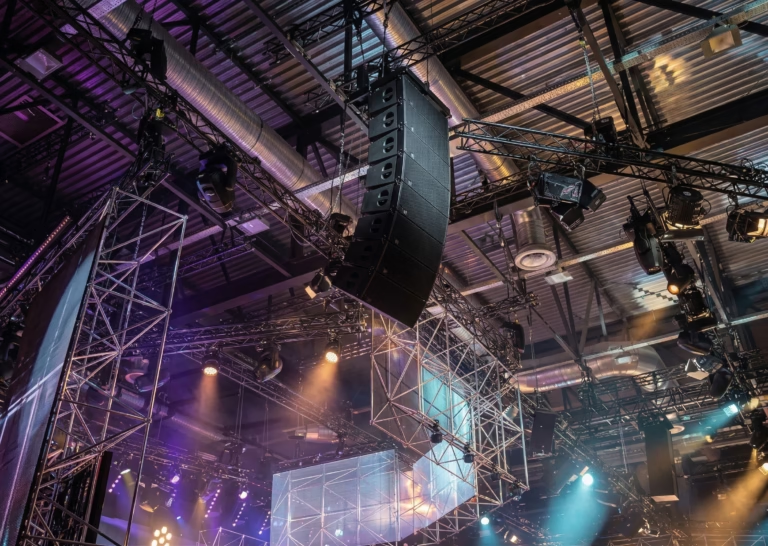
A big image with poor audio breaks the experience. The room needs distributed, well-balanced audio at every seat, and microphones that pick up whoever’s speaking from anywhere at the table. Large rooms use arrays that direct audio to specific zones, known in the industry as beam steering.
Control and video conferencing
Everything is run from a single panel, just like in a smart boardroom: turning on the image surface, choosing the content, adjusting lights and shades, and opening the video call. Video conferencing lets remote participants see exactly what the room sees.
Virtual and augmented reality
VR headsets are another form of immersion, built for one person at a time. In an immersive boardroom, the experience is shared: everyone sees the same image at the same time and can discuss it. The two can coexist in the same space.
What to define before designing it
- The content
- What will be shown: drawings, 3D models, video, data, or presentations. Resolution and processing depend on this.
- The room
- Dimensions, ceiling height, distance between the image surface and attendees, and natural light.
- Mixed use
- If it will also serve regular meetings, the control needs scenes for both uses.
- Who operates it
- Whether each user runs it or an operator does changes the panel design.
How we design and deliver it
The process is the same as for any boardroom: technical assessment, design with drawings and schematics, installation, control programming, testing with real content, and user training. The step-by-step is in smart boardroom installation. We integrate Crestron control platforms, Cisco and Poly video conferencing, and Unilumin LED screens for large-format projects.
Frequently asked questions about immersive boardrooms
Is an immersive boardroom the same as a virtual reality room?
No. In a virtual reality room, each person wears a headset. In an immersive boardroom, the immersion comes from a shared image surface, and the whole group sees the same thing with no individual equipment.
Can it also be used as a regular boardroom?
Yes. It’s programmed with scenes for each use: one for large-format presentations, another for meetings or video calls, and another to shut down the room.
How much does an immersive boardroom cost?
It mainly depends on the size and type of image surface, the processing, and the audio. We don’t publish prices; after the technical site visit we deliver a proposal with scope and schedule.
Let’s Talk About Your Immersive Room
Tell us what you need to show and to whom. From there we recommend the right image surface and prepare a proposal.
Request a Technical Consultation Message us on WhatsApp
Bogotá and Medellín · +57 301 656 9858