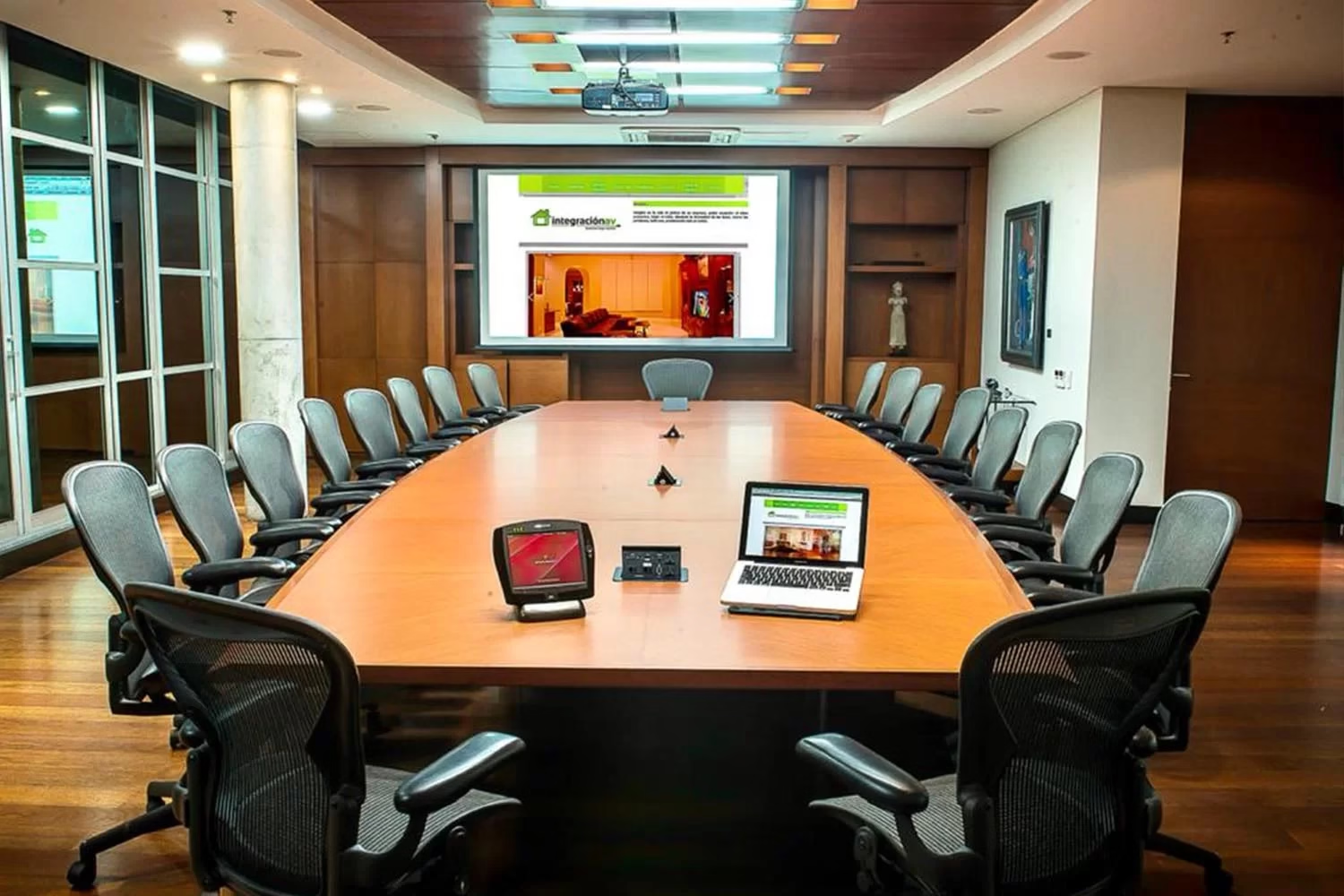
Installing a smart boardroom means integrating a screen or projector, audio, microphones, cameras, lighting, shades, and video conferencing into a single control system, whether the room is new or already exists. The work has five phases: technical assessment, design, construction and installation, programming and testing, and handover with training.
In short
- Installation integrates image, audio, cameras, lighting, and video conferencing into a single control system.
- Acoustics, network, power, and natural light define much of the scope and budget.
- In an existing room, what works is reused and what’s missing for hybrid meetings is added.
- Timeline and cost are defined after the technical site visit: there are no catalog prices.
This guide explains what happens in each phase, what’s worth checking before starting, and what changes when the room is already in use. It’s the execution part of the project: if you’re still defining what the room should have, the smart boardrooms page covers the complete solution, with components, brands, and frequently asked questions.
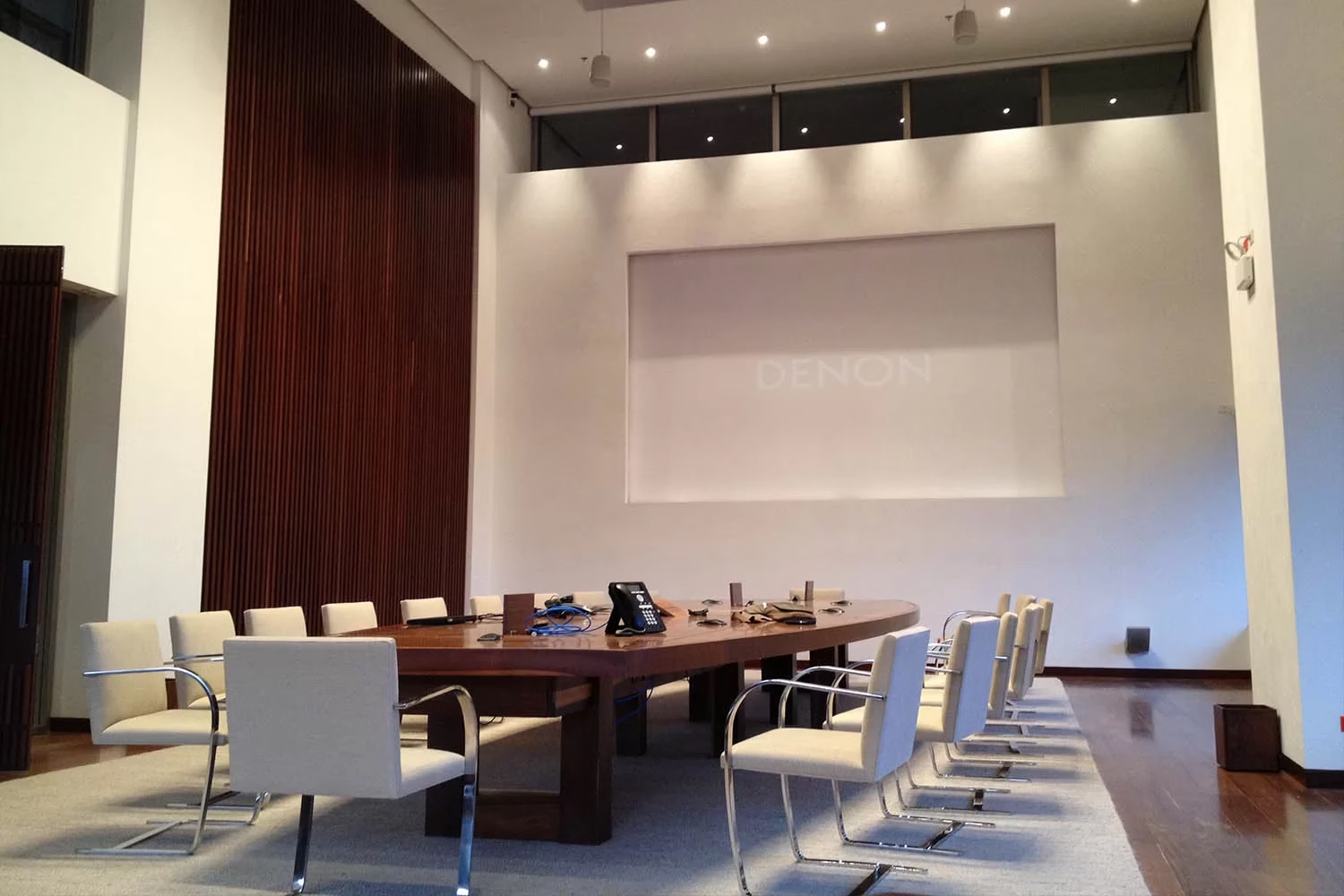
What gets installed in a smart boardroom
Each room’s scope is defined during the technical site visit, but most corporate projects combine these subsystems:
- Unified control
- A panel or touch screen that runs the whole room with scenes such as present, video call, or shut down.
- Image
- A screen, interactive monitor, or projector with a screen, sized to the room and the distance attendees sit from it.
- Audio and microphones
- Speakers for the room and table, ceiling, or ambient microphones. The choice depends on the number of seats and the acoustics; see more detail in microphones for boardrooms.
- Cameras
- Cameras that follow whoever is speaking, so the remote participant sees the person with the floor.
- Video conferencing
- Integration with Teams, Zoom, or Meet. If the room is mainly used for remote meetings, a video conference room for companies is the better fit.
- Lighting and shades
- Light levels and motorized shades that change with each scene.
- Room booking
- Entry screens connected to the corporate calendar; see room booking systems.
The five phases of installation
- Technical assessmentBefore talking about equipment, we measure the room and understand how it’s used. We check square meters, number of seats, meeting type, acoustics, natural light, power points, data network, and which existing equipment is in good condition. That inventory avoids buying what you already have and catches infrastructure gaps early.
- Design and documentationWith the assessment done, we prepare the design: floor plans, single-line diagrams, and schematics under AVIXA standards, an equipment list, and the placement of each element. This phase also decides how the room will be operated, what each button does, and what happens on shutdown. Defining automation at the design stage costs less than fixing it on-site; the audiovisual systems design service covers this stage as its own project.
- Construction, cabling, and installationInstallation is coordinated with construction or office remodeling: conduit runs, table connections, screen and camera mounts, ceiling speakers and microphones. When the office is operating, work is scheduled in windows so it doesn’t interrupt the business. During this phase we provide site supervision to protect finishes, timing, and coordination with other contractors.
- Programming and testingWith the equipment installed, we program the control system: the scenes, the lighting and shade logic, and the coordination between image, audio, cameras, and video conferencing. Programming is done by our Crestron-certified team; see the detail in Crestron and AMX programming. The room is then tested the way your team will actually use it: audio from every seat, echo on the call, camera framing, and laptop connections.
- Handover, training, and after-sales supportThe room is delivered working, with the system’s documentation. We train the people who use it and the technology or Facilities team that manages it. From there the room enters a preventive maintenance plan and has after-sales support.
What to check before installing
These points define much of the scope and budget. It’s worth having them clear before requesting a proposal.
| Aspect | What’s checked | Why it matters |
|---|---|---|
| Room use | Meeting type, number of people, and frequency of video calls | Determines whether an integrated meeting room is enough or a dedicated video conference room is needed |
| Acoustics | Materials, glass, echo, and outside noise | A good microphone doesn’t make up for a room with heavy reverberation |
| Data network | Network points, wireless coverage, and IT policies | Control, video conferencing, and room booking all depend on the network |
| Power | Power points at the table, wall, and ceiling | Avoids extension cords and visible cables |
| Natural light | Windows, orientation, and existing shades | Affects screen visibility and camera image quality |
| Existing equipment | Condition, age, and compatibility | What’s in good condition gets reused, lowering the cost |
Upgrading an existing room for hybrid meetings
Most requests aren’t for new rooms, but for rooms that already have a screen and are missing what hybrid meetings need. The symptoms are familiar: the remote person can’t hear whoever’s at the back of the table, the camera shows a fixed wide shot, and every meeting starts with a few minutes of connecting.
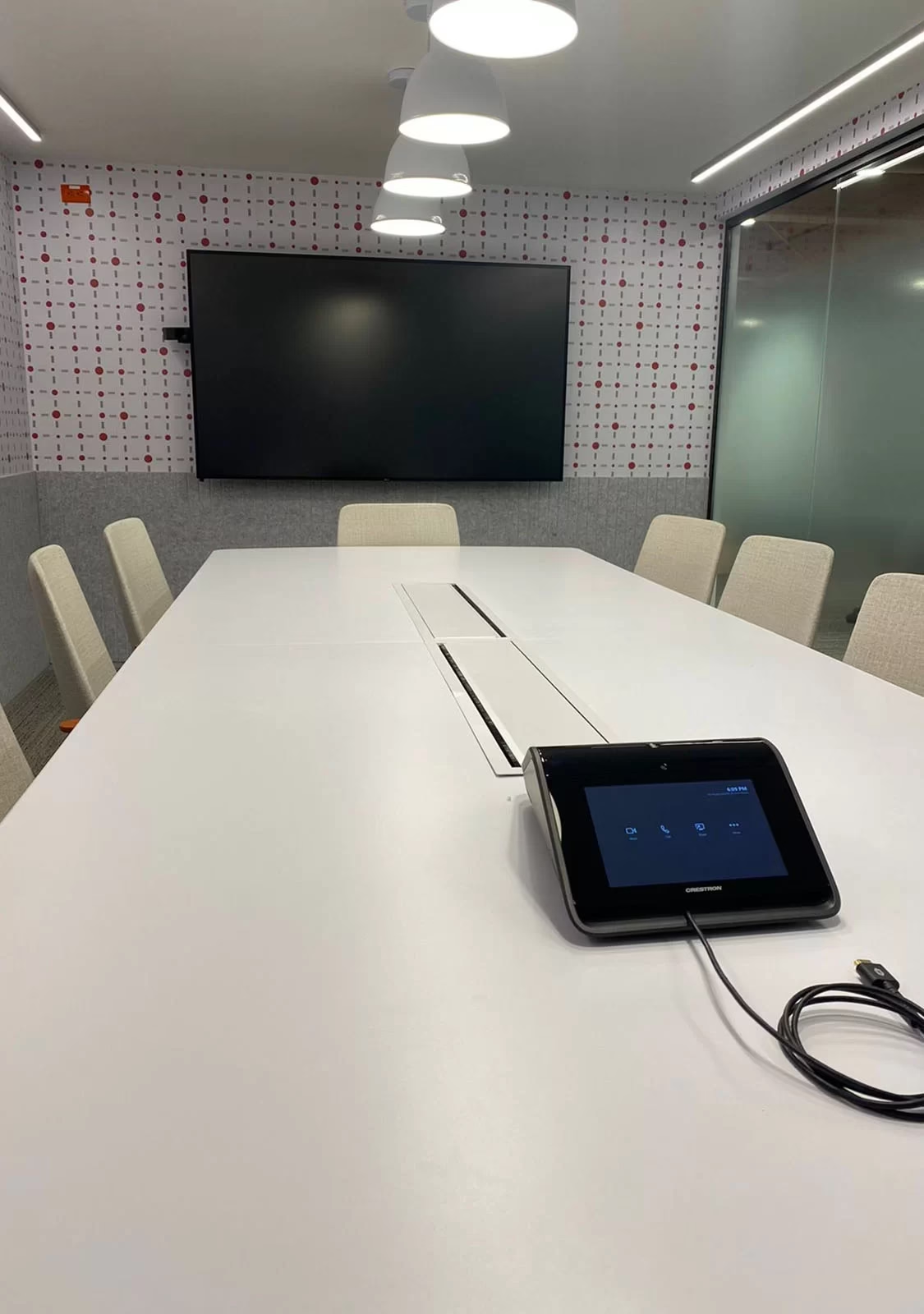
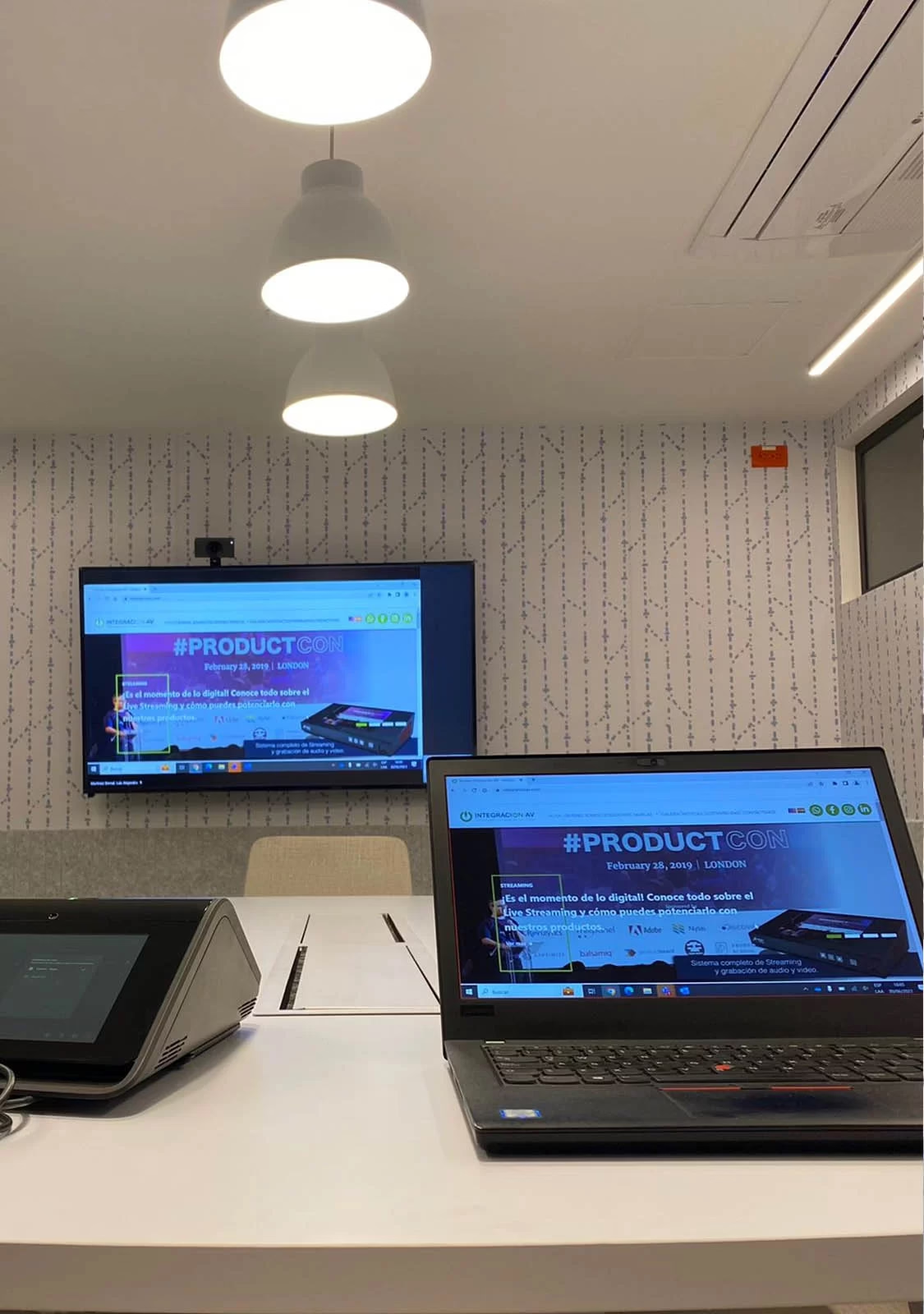
The upgrade starts with the same assessment. What works stays, microphones sized to the table are added along with a tracking camera and unified control, and the room is programmed so the video call starts in a single step. Reusing equipment in good condition is part of our sustainability approach: we don’t replace what still works.
If the room already has automation, it can also be expanded. For the scope of that part, see boardroom automation and the boardroom with home automation.
Installation in Bogotá, Medellín, and the rest of Colombia
Our main office is in Bogotá, at Calle 42 #27A-45, Office 403, and we have an office in Medellín. In the rest of the country we carry out the installation with certified technical partners under our supervision, and where none are available we send our own staff.
Frequently asked questions about installation
How long does it take to install a smart boardroom?
It depends on the scope, whether the room is new or existing, and coordination with construction. Timing is defined after the assessment and included in the proposal’s schedule, along with work windows if the office is operating.
Can the room’s existing equipment be reused?
Yes, when it’s in good condition and compatible with the new system. During the assessment we check screens, projectors, speakers, and cabling, and the proposal states what’s kept and what’s replaced.
Does the installation require construction work?
Not always. It depends on the existing infrastructure: conduit, power and network points, and table connections. The technical assessment tells you whether new conduit is needed and how much.
How much does the installation cost?
We don’t publish prices because every room is different. After the technical site visit we deliver a proposal with scope, drawings, schedule, and after-sales model.
Request Your Technical Consultation
Tell us about your room and how your team uses it. With that information we prepare the assessment and an installation proposal with scope and schedule.
Request a Technical Consultation Message us on WhatsApp
Bogotá and Medellín · +57 301 656 9858